
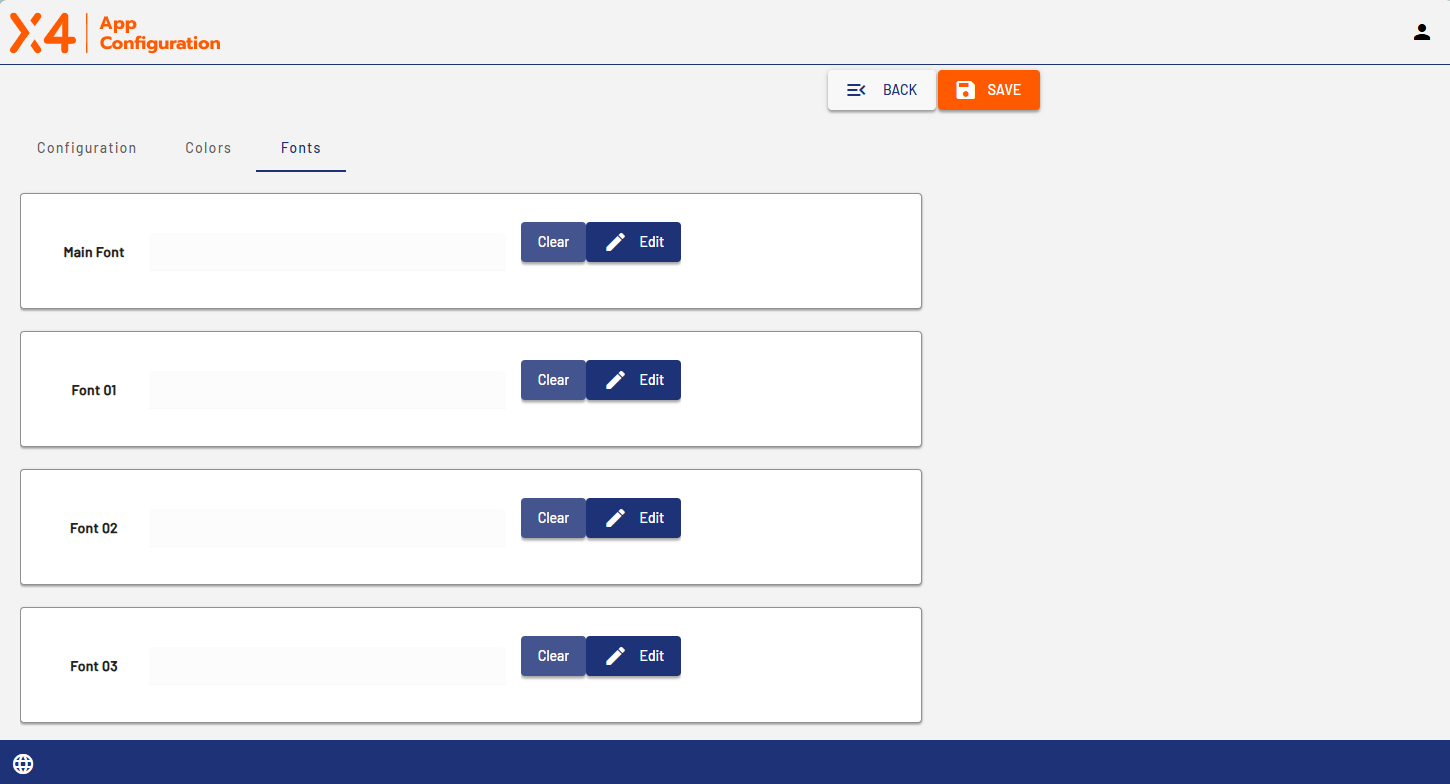
The Fonts tab contains the font selections.
-
Select the Edit button next to an entry to open the font configuration area.
-
Select Save to save your configuration.
-
If you do not make any changes, you can close the area by selecting Edit again.
-
Select Delete to delete the configured settings.
Under Main Font, you specify the font that is used as the main font of the Web App.
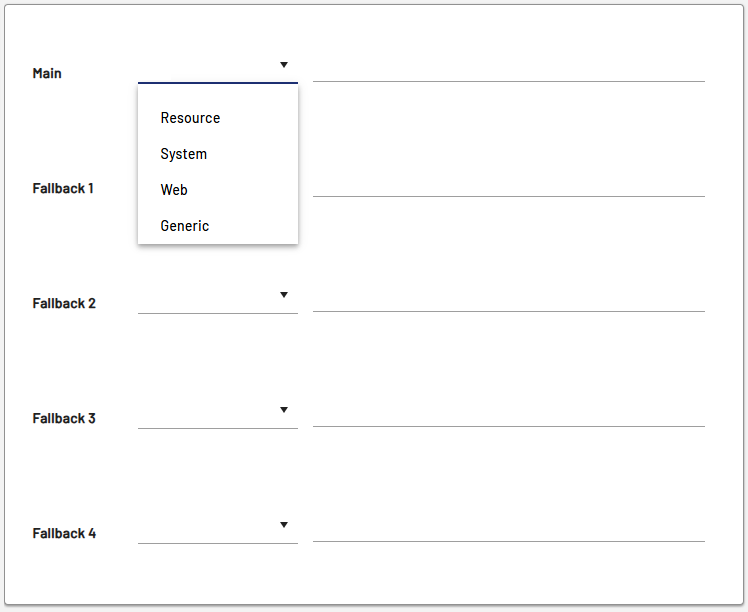
If you clicked Edit, you can select one of the following options from the drop-down list for both main font (Main) and the different substitutes (Fallback).
|
Option |
Description |
|---|---|
|
Resource |
Add fonts that are stored in the |
|
System |
Specify system fonts for your operating system, such as |
|
Web |
Specify fonts that are retrieved from a URL, such as https://fonts.googleapis.com/css?family=Barlow&display=swap |
|
Generic |
Specify default fonts of the browser you are using, such as |