
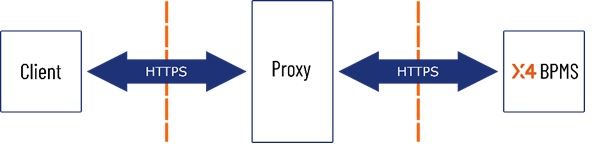
When using a proxy server to make a Web App with the associated Keycloak available via the Internet, the reverse proxy server needs to be configured in Keycloak and X4 WildFly.
Requirement
-
You use a reverse proxy server.
To set up WildFly for the use of your reverse proxy server
-
Open the standalone.xml in the <server_directory>\wildfly\standalone\configuration folder.
-
Search for
http-listener. -
Change the entry
redirect-socket="https"toredirect-socket="proxy-https. -
Add the entry
proxy-address-forwarding="true".
After your changes, the line must look as follows:XML<http-listener name="default" socket-binding="http" redirect-socket="proxy-https" enable-http2="true" proxy-address-forwarding="true"/> -
Search for
socket-binding-group. -
Add the following line:
XML<socket-binding name="proxy-https" port="443"/> -
Save the file.