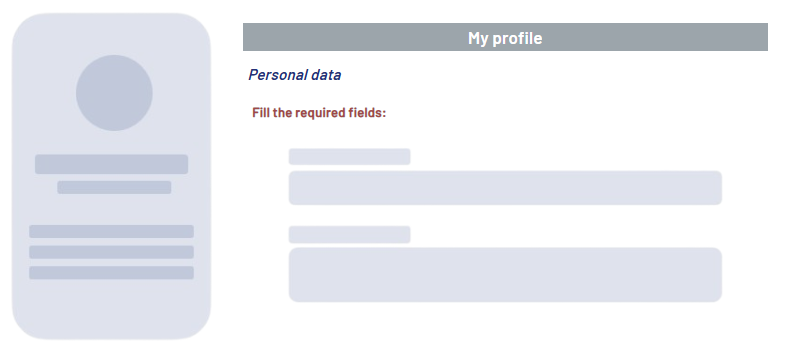
<Label> can be used to display static text in a Web App, such as labels or brief notes. The displayed text cannot be edited by the users of the Web App.
Instructions for use
A <Label> control is created with the <Label> element.
<Label>
...
</Label>
<Label> controls can be used in all available layout types: For more information, see Layouts.
Attribute
Note:
There are a number of default attributes that can be set for all controls. For more information about the default attributes, see Default attributes.
In addition to the default attributes, you can define the following attribute for <Label> controls.
|
Attribute |
Description |
|---|---|
|
|
Required Contains the label text.
Possible values:
|
Example