
The BPMN 2.0 Import Wizard allows to import process diagrams in .xml or .bpmn format from third party modelling tools as new Business Processes into the X4 Repository.
-
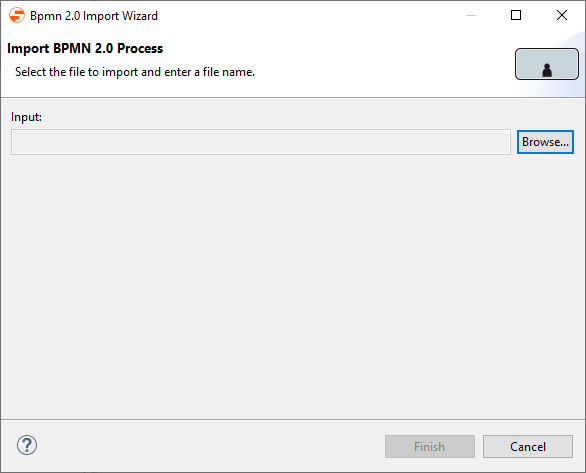
Open the BPMN 2.0 Import Wizard via the menu Project > Import BPMN 2.0 Process.
-
Click Browse to select the desired file.
You can filter for the file via the
.xml(default) or.bpmnextension. -
Select the file and confirm the dialog.
The file is now selected within the Wizard. -
Click Finish to import the file.
The file has been imported and is displayed as Business Process in the Repository Navigator.