
Under Process Editor , settings for the representation of processes can be stored.
-
Select menu Tools> Options.
-
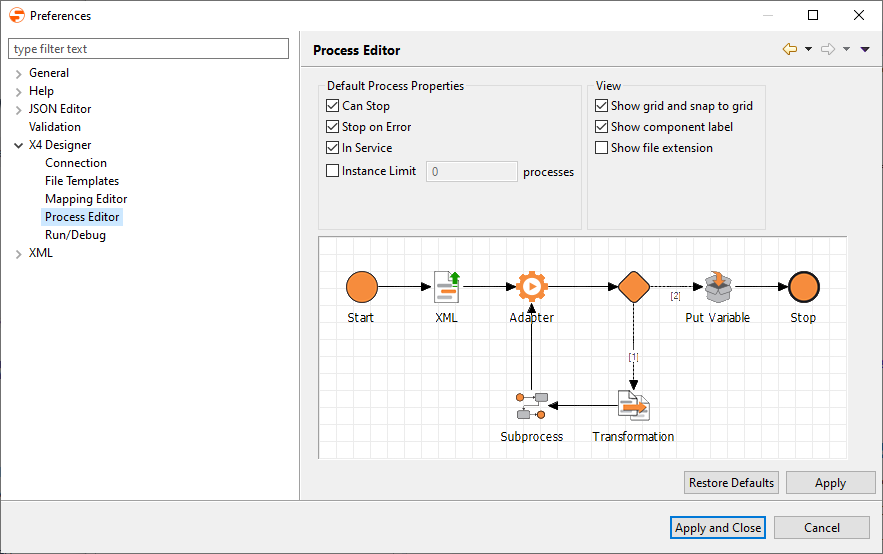
On the left side, double-click X4 Designer, and select Process Editor to open the Process Designer configuration.
-
Edit default behavior and properties of new processes in Default Process Properties:
-
Can Stop: Allows the process to be terminated
-
Stop on Error: Cancels process execution automatically when an error occurs
-
Public/Private: Process is executable
-
Instance Limit: Limit the number of process instances
-
Show grid and snap to grid: Display a grid and align all symbols to the grid lines
-
Show component label: Display a text label below process component symbols
-
Show file extension: Show process components with their file extensions (deactivated by default)
-
-
Click Apply and Close to save the configuration and close the window.