
-
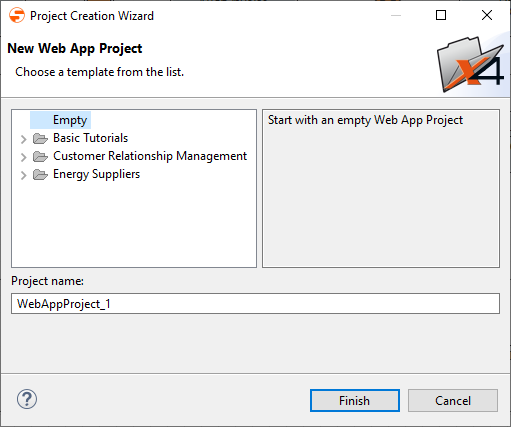
In the X4 Designer menu, select File > New > WebApp Project to open the Project Creation Wizard.
Alternatively, right-click in the repository > New > Web App Project.
-
Enter the name of the project in Project name.
-
Click Finish.
A new Web App project with a predefined structure is created. The Web App project is automatically registered as a Web application in the X4 server.