
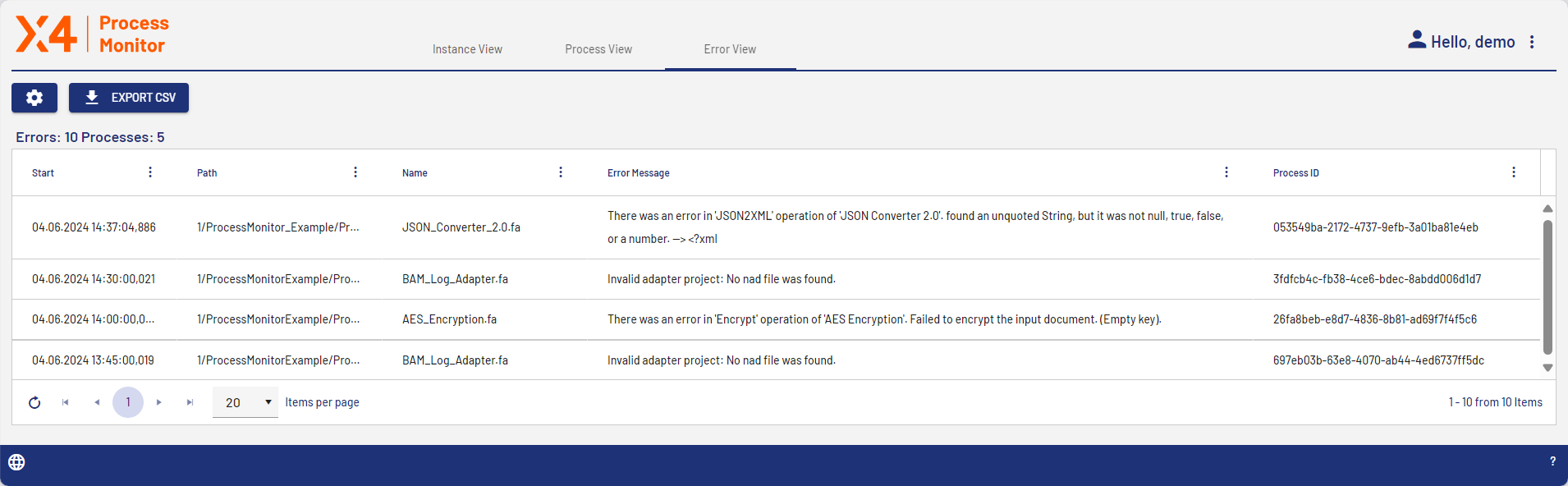
On the Error View tab, all process steps with errors are displayed in an overview.
|
Column |
Description |
|---|---|
|
Start |
Timestamp of the process execution Note: By default, the entries are sorted in descending order by the value in this column. You can change the order. For more information, see Working with Lists.
|
|
Path |
Path of the process instance |
|
Name |
Display name of the process instance |
|
Error Message |
Detailed error description |
|
Process ID |
ID of the process instance |
Selecting an entry in the Error View opens the process detail view for the associated process instance. Here, you can see at a glance in which process step the error occurred on the Process Image tile. Process steps with errors are indicated by a red box.
