
If you want to rename files in the repository, you can update references in processes automatically using the Rename Repository Resource Wizard.
-
Right-click on the corresponding element in the Repository Navigator to open the context menu.
-
Select Refactor/Rename.
The Rename Repository Resource Wizard will be opened.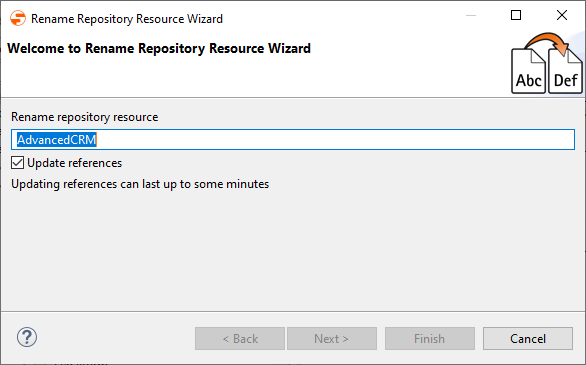
-
Enter a new name in Rename repository resource.
-
Click Next to display the references that will be modified.
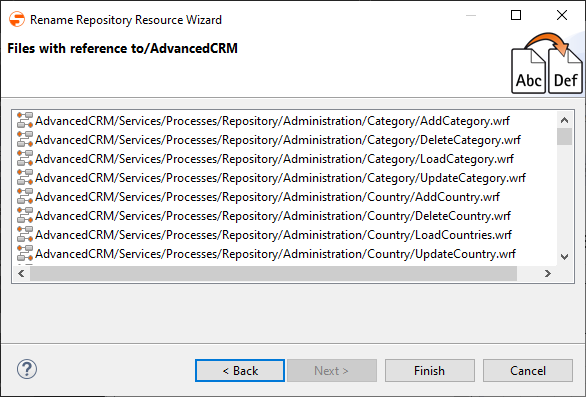
-
Click Finish to apply the changes.
The affected files are now renamed and the corresponding references to processes, resources or components are adjusted.