
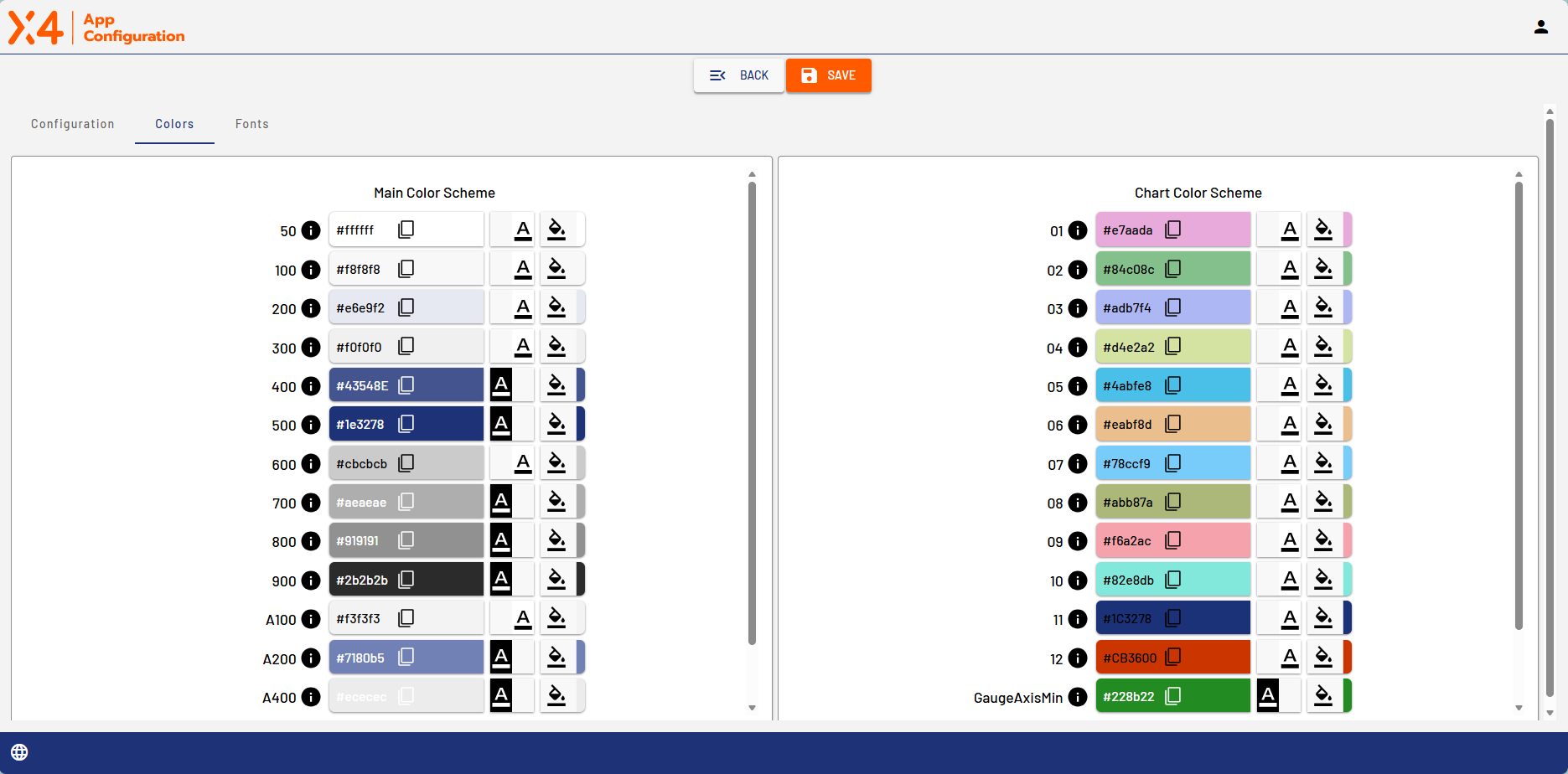
The Colors tab contains the color schemes for the Web App's main colors and chart colors.
|
Icon |
Description |
|---|---|

|
Set the contrast |

|
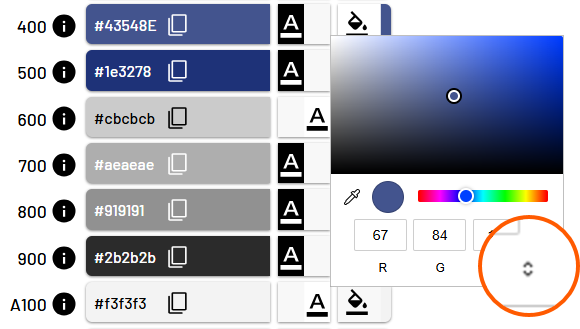
Define color.
|

|
When you move the mouse pointer over the info icon to the right of a color number, you can see what that color is used for in the Web App. 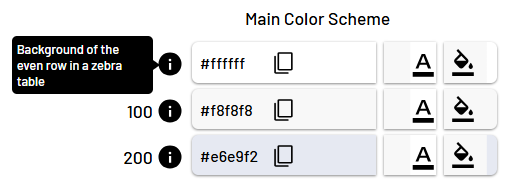
|