
To map processes with X4 BPM, it is necessary to define the required case states of the Business Process. Case states and state descriptions are defined in a separate file (.state).
How to add case states
-
Right-click the
.bpmfile in the Repository Navigator view. -
Select New > Case States in the context menu.
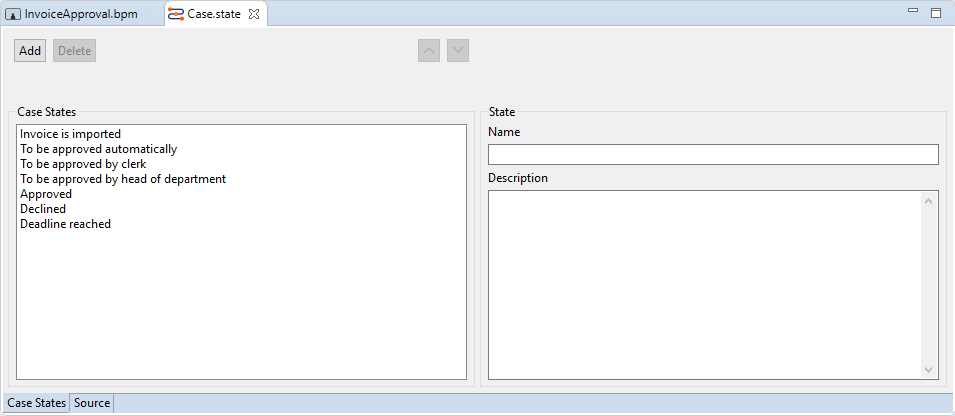
A new.statefile is created and opened.
-
Click Add to define a new state:
-
In Name, enter the name of the state, e.g.
Approved. -
In Description, enter an associated description (optional).
-
-
To change the order of a selected state value, click on


-
Save file.
Use the Delete button to delete a selected state value.
You can also set the state of an operation that is to be processed at runtime of the current Business Process with Intermediate Events. Therefore, all process-wide defined process state values are available for selection in the Case Management > Case State property of the Intermediate Event.