
You can configure the JSON Editor.
-
Select Tools > Options.
-
On the left, double-click JSON Editor to open the editor configuration.
-
Define the desired settings:
-
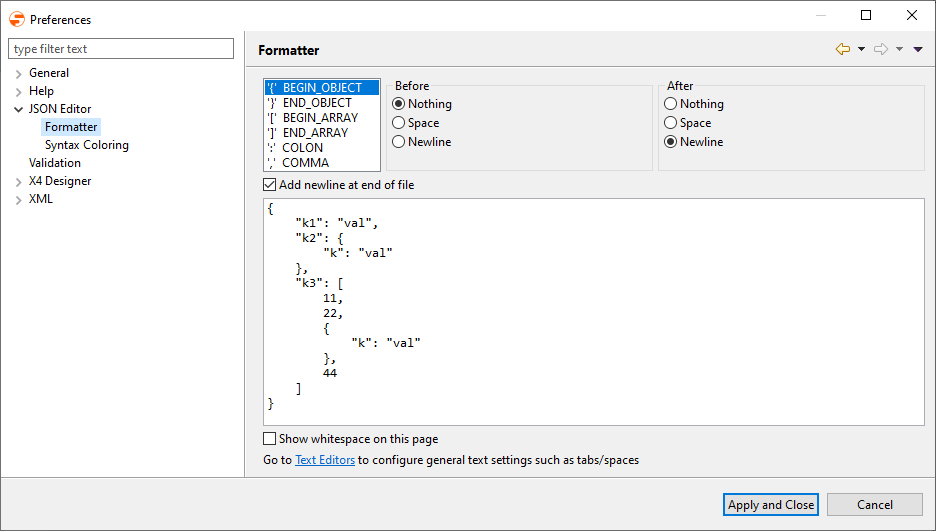
Set the formatting of the JSON code under Formatter
-
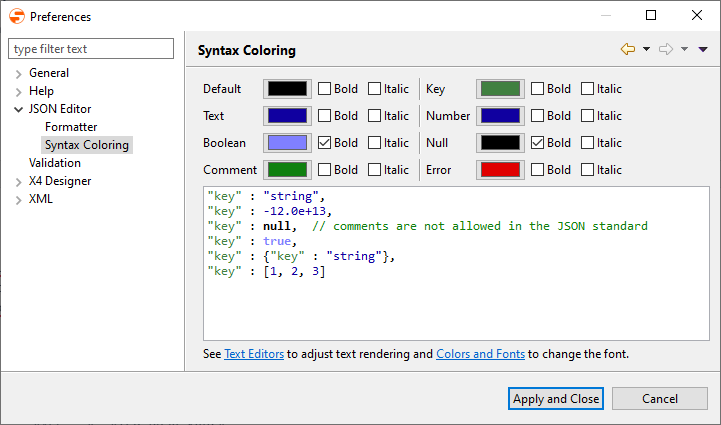
Set the colors for syntax highlighting under Syntax Coloring
-
-
Click Apply and Close to save the configuration and to close the window.