
You can open your Web App Project in your default browser at any time.
Note:
Note that the Web App only displays components that have already been integrated into the Web App.
How to open your Web App in the browser
Previous step: Configuring and Inserting the List Component
-
Right-click the Web App Project in the Projects view.
-
Click Open Web App in Browser.
✅ The Web App opens in your default browser. -
Log in with your access data.
✅ The Web App should display the new Customers section with the configured list in the left pane below the Dashboard.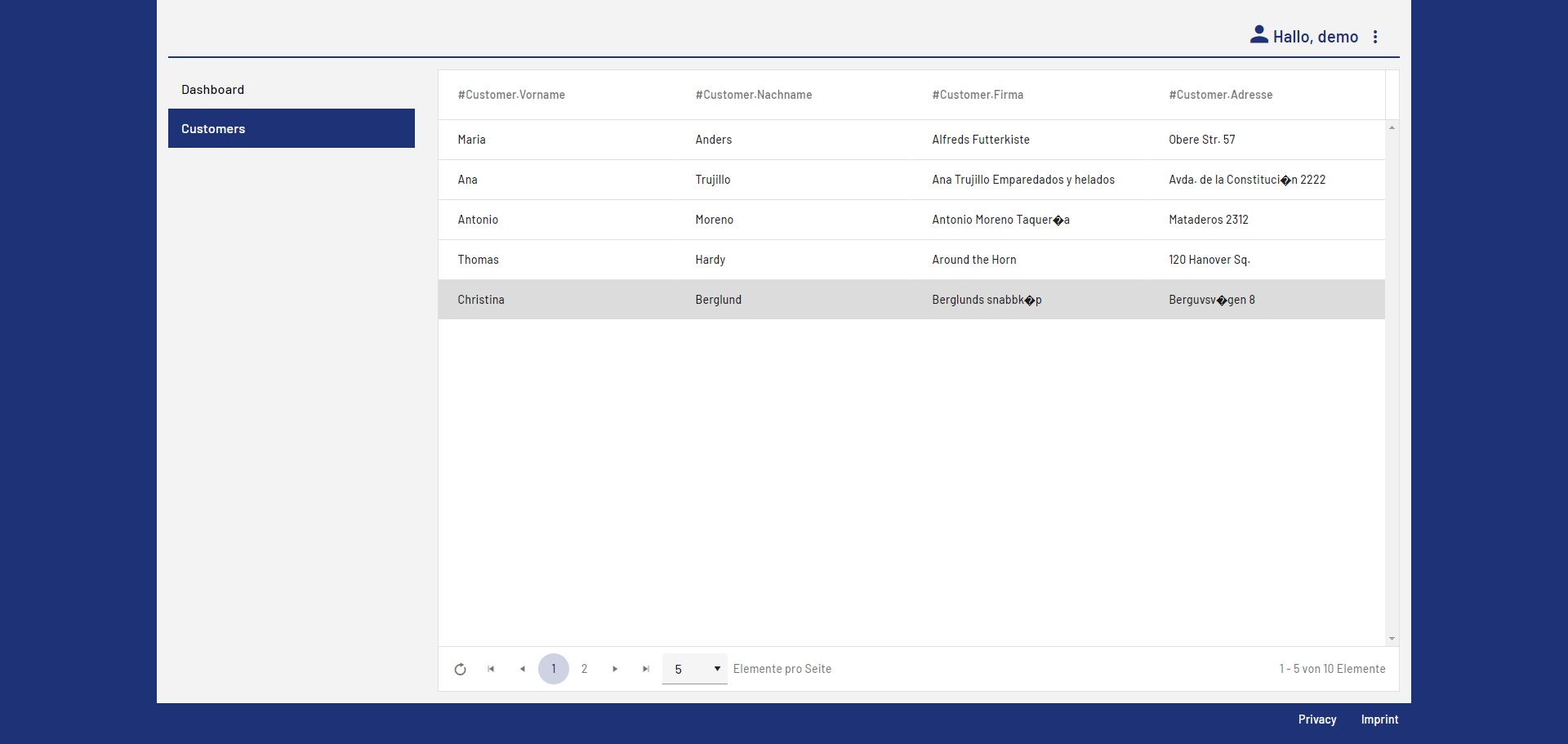
Next step: Result: Web App Project