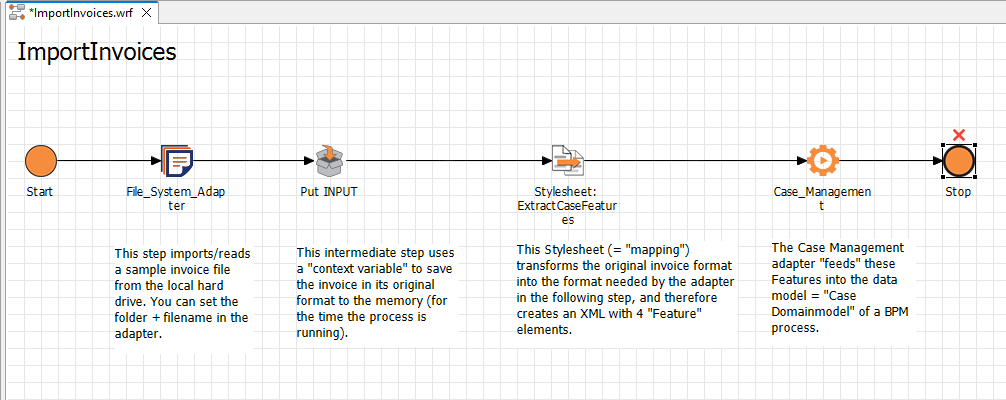
In the final step, you define the end point of your process.
How to insert the end point
Previous step: (Optional) Creating and Inserting a Case Management Adapter
-
Drag the

Stopelement from the Palette view next to the
Case_Managementelement. -
Click on the lower right

Case_Managementelement, hold down the mouse button, and drag a connection to the Stopelement.