
The JSON Editor allows JSON documents to be edited directly within the X4 Designer.
To open the JSON Editor, either create a new JSON Document or open an already existing document.
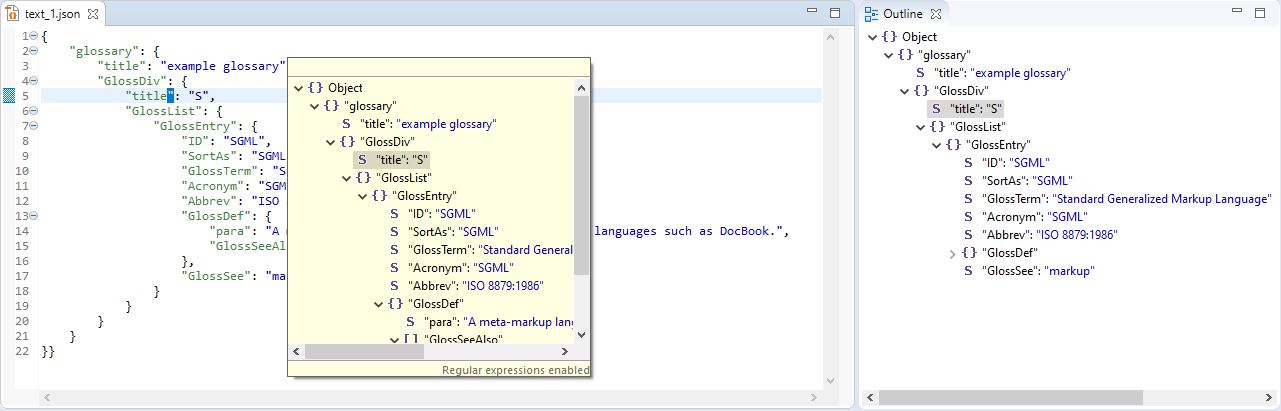
The Outline view displays the structure of the opened JSON document. Moreover, you can also use the context menu Quick Outline or the shortcut CTRL+O to open the Quick Outline view and to search for keys and values within the JSON document.
Shortcuts
|
|
Open the Quick Outline view |
|
|
Format the JSON code |
The formatting of the JSON code and the colors for syntax highlighting can be changed under Tools > Options > JSON Editor. For more information, see Configuring the JSON Editor.