X4 Help Center
7.5 7.4 German English
Auto Light Dark
Auto Light Dark
7.5 7.4 German English

Assigning Roles to Users

  1. Open the Keycloak Administration Console.

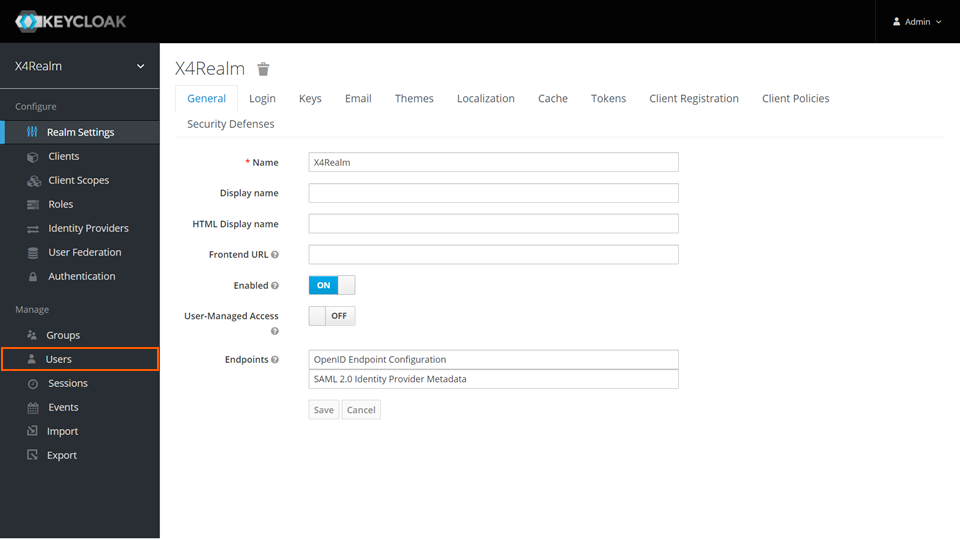
  2. In the Manage section, click Users.
    Keycloak_Administrationskonsole_Highlight_Users.png

  3. To list all users, click View all users in the Lookup tab.
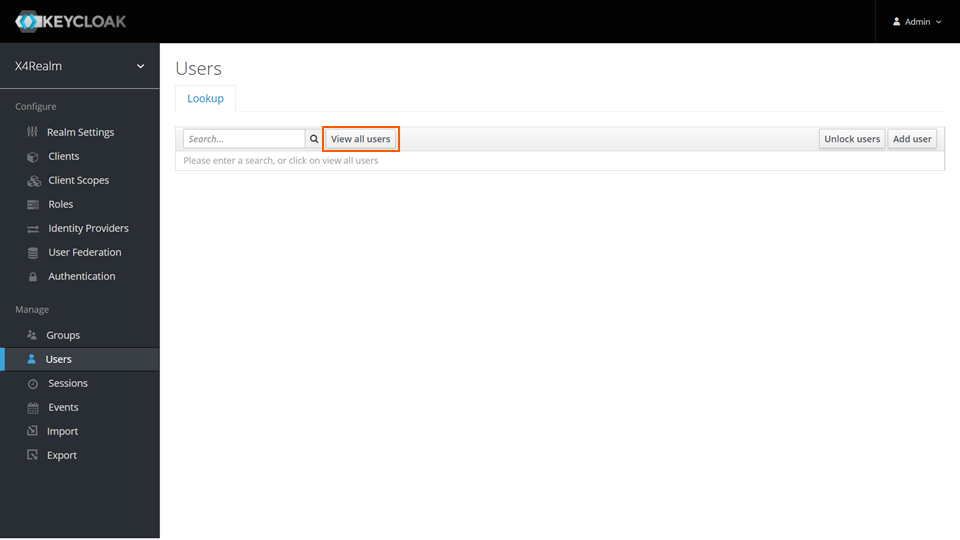
    Keycloak_Administrationskonsole_Users_Highlight_ViewAllUsers.png

  4. In the row of the desired user, click Edit in the Actions column.
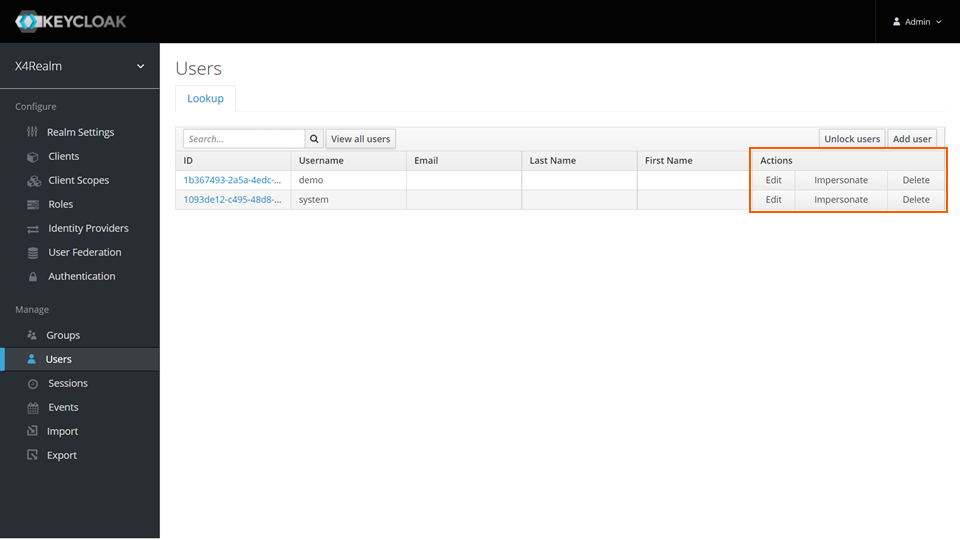
    Keycloak_Administrationskonsole_Users_Highlight_Actions.png

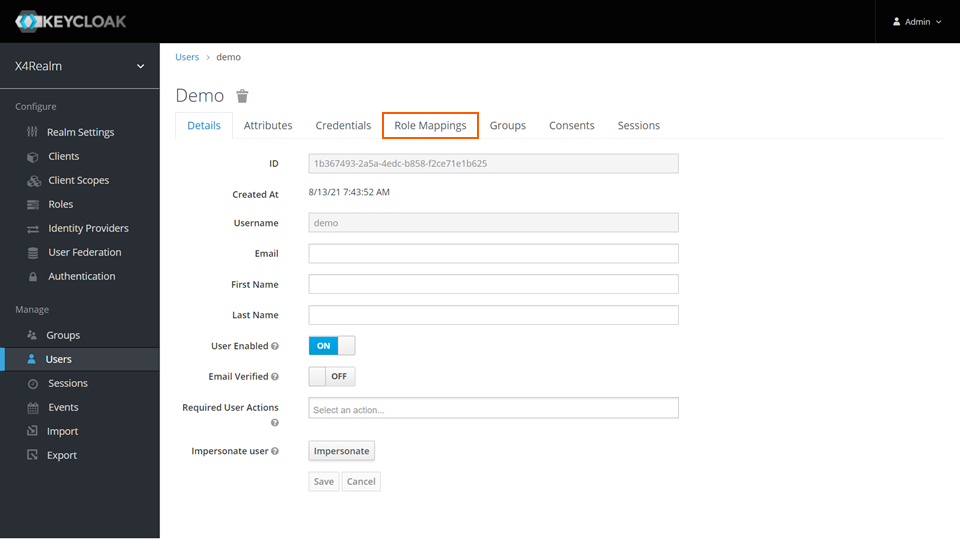
  5. Switch to the Role Mappings tab.
    Keycloak_Administrationskonsole_Users_User_Highlight_RoleMappings.png

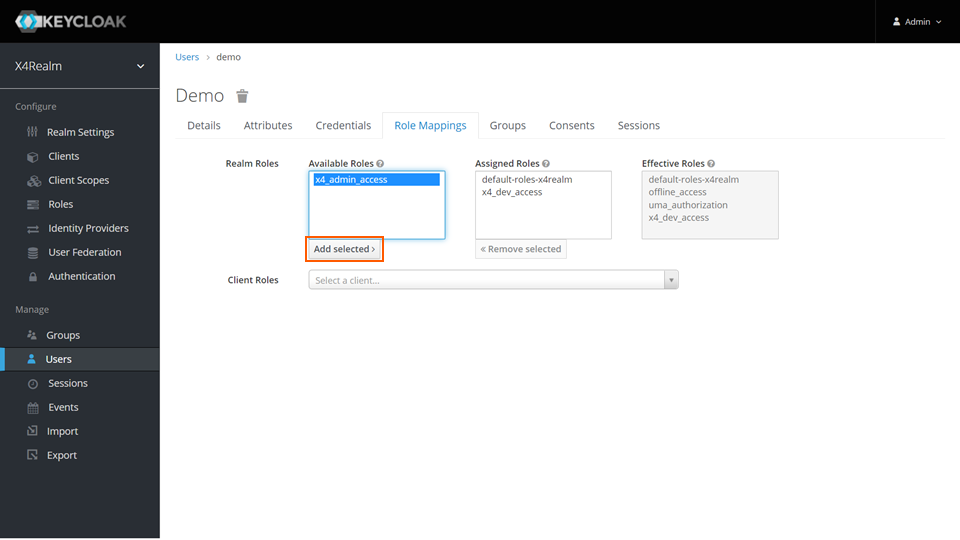
  6. In the Available Roles area, select the role to be assigned to the user.
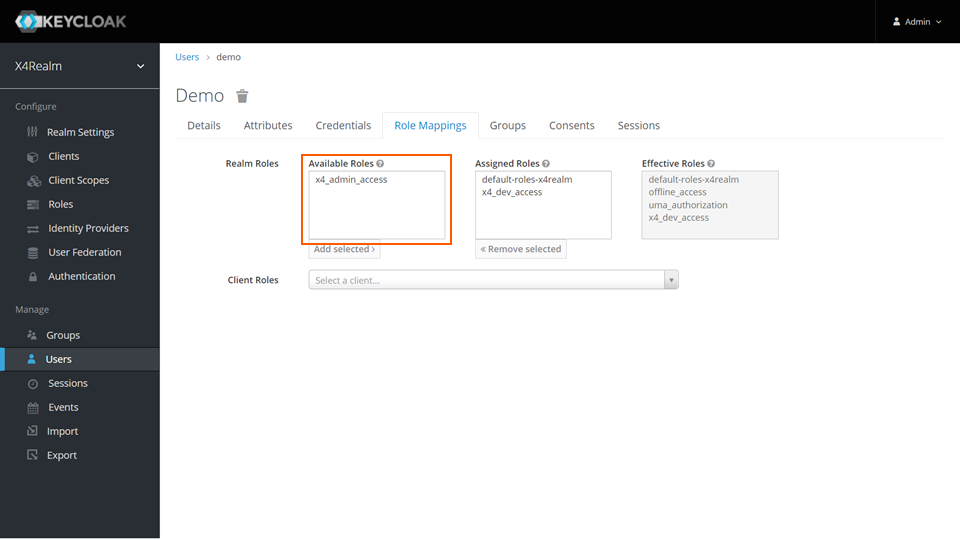
    Keycloak_Administrationskonsole_Users_User_RoleMappings_Highlight_AvailableRoles.png

  7. Click Add selected.
    Keycloak_Administrationskonsole_Users_User_RoleMappings_Highlight_AddSelected.png