
In Keycloak, you can connect an existing OpenID Connect provider. The identity provider must support the Authorization Code Flow to authenticate the user and authorize access.
-
Open the Keycloak Administration Console.
-
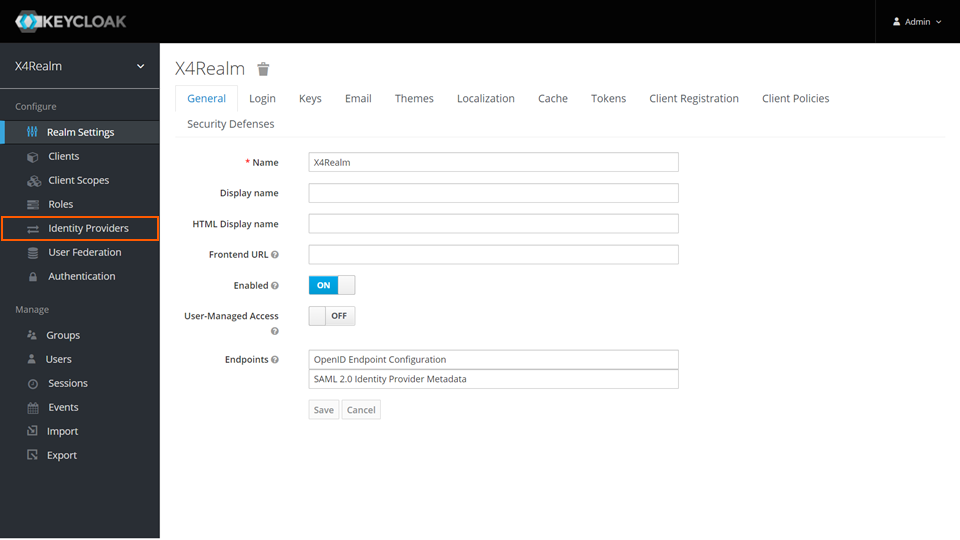
In the Manage section, click Identity Providers.
-
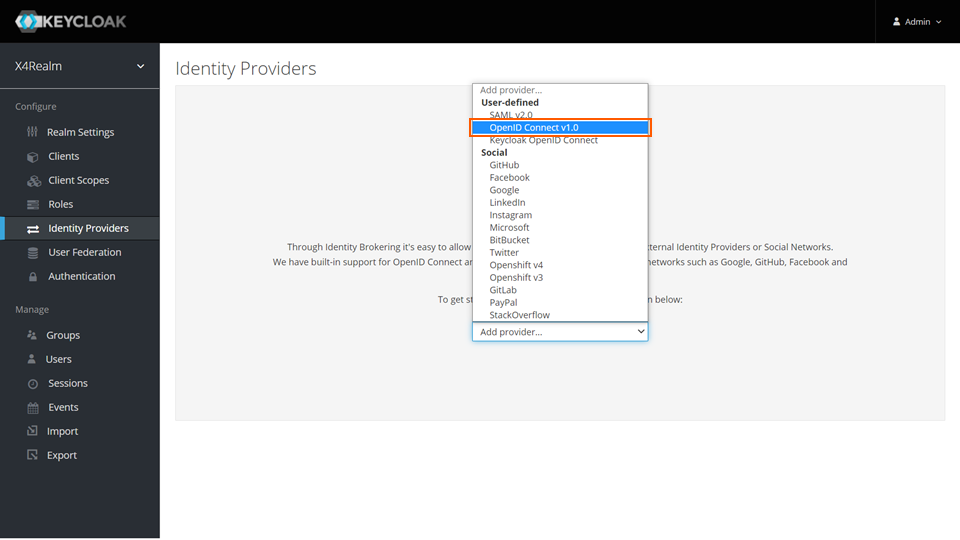
From the drop-down list, select OpenID Connect v1.0.
For more information, see https://www.keycloak.org/docs/latest/server_admin/#_identity_broker_oidc.