
Show detailed information for individual sections
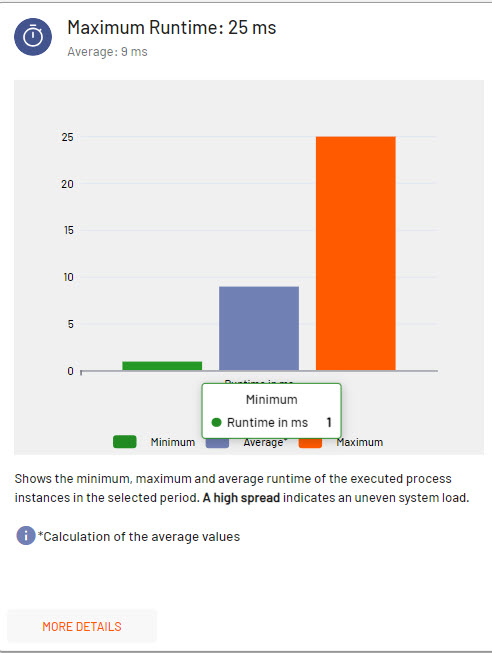
If you want to get more detailed information for a diagram, simply move the mouse pointer over the desired section. The section will then be highlighted and more information will be displayed.
Hide/Show diagram sections
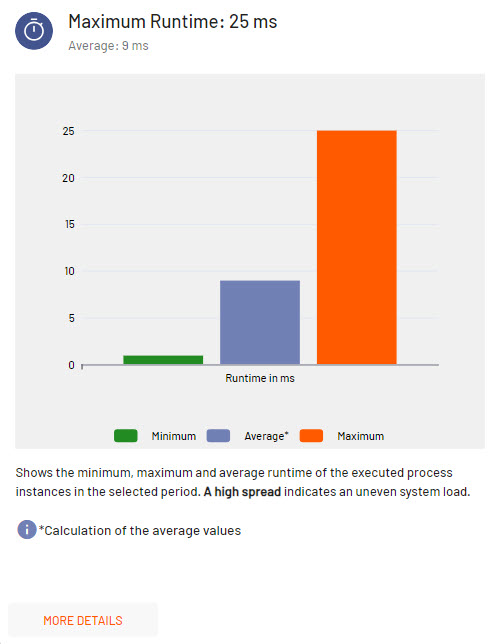
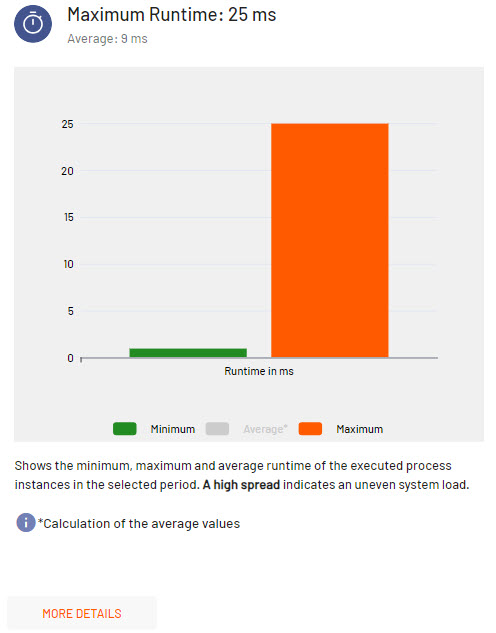
If you want to hide/show individual information in a diagram, click on the respective entry in the legend below the diagram. The selected section is grayed-out and the information is no longer displayed in the diagram.
|
All diagram sections |
Hidden diagram sections |
|
|
|
Show additional diagram details
If you want to see more detailed information for the diagram, click on the button More Details below the diagram.
A separate window is opened with the respective diagram.
In this window you can display more detailed information on individual sections or show/hide individual diagram information as described.