
Settings for the JSON editor can be saved.
-
Go to Tools > Options.
-
Double-click JSON Editor on the left to open the Editor configuration.
-
Make the desired settings:
-
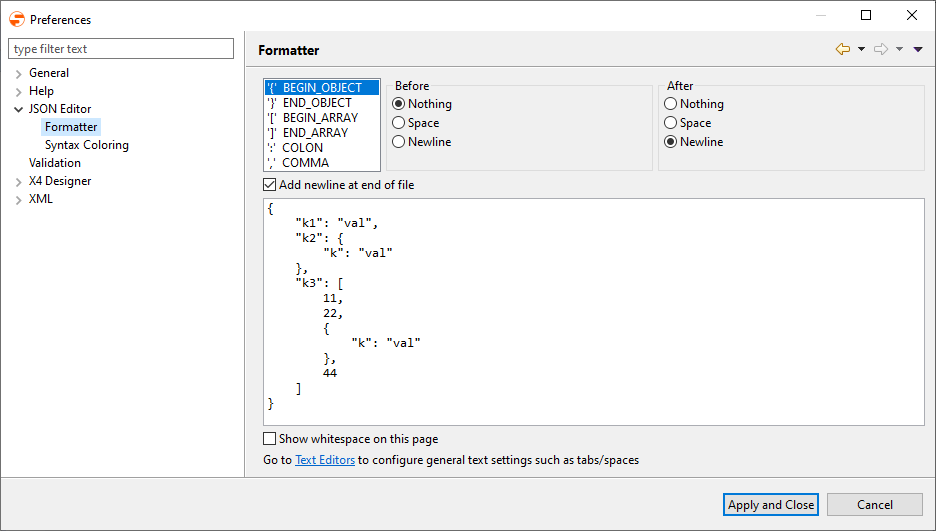
Under Formatter, make settings for formatting the JSON code.
-
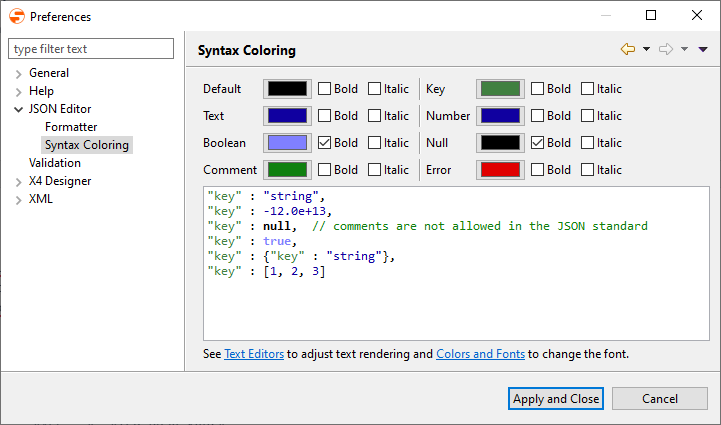
Under Syntax Coloring, set the colors for syntax highlighting.
-
-
Click Apply and Close to save the settings and close the window.