
-
Open the Keycloak Administration Console.
-
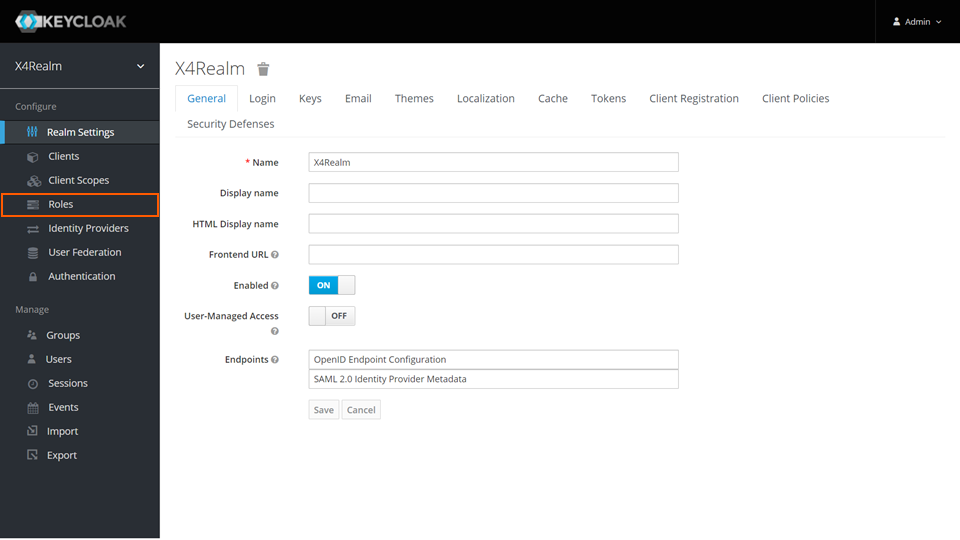
In the Configure section, click Roles.
-
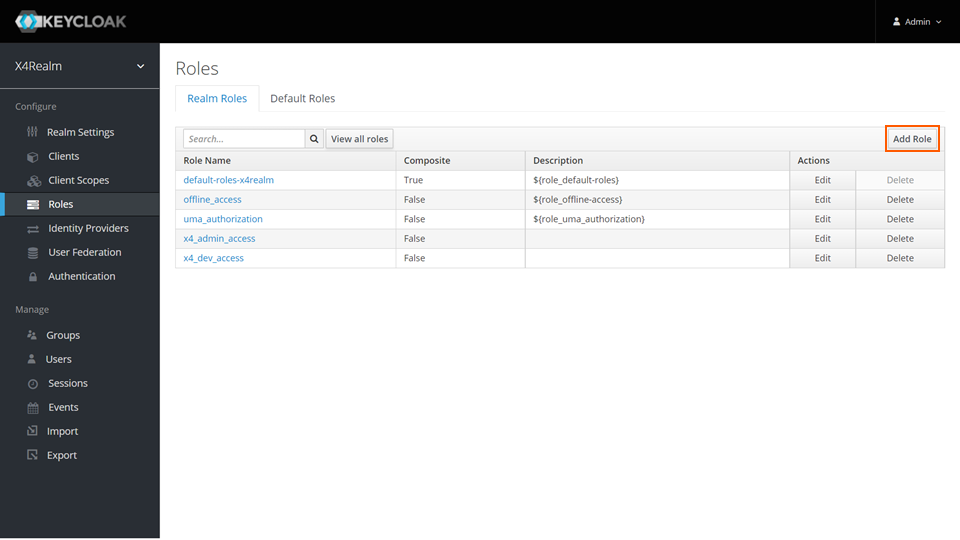
On the Realm Roles tab, click Add Role.
-
In the Role Name field, enter a name.
-
Click Save.
Open the Keycloak Administration Console.
In the Configure section, click Roles.
On the Realm Roles tab, click Add Role.
In the Role Name field, enter a name.
Click Save.