
-
Open the Keycloak Administration Console.
-
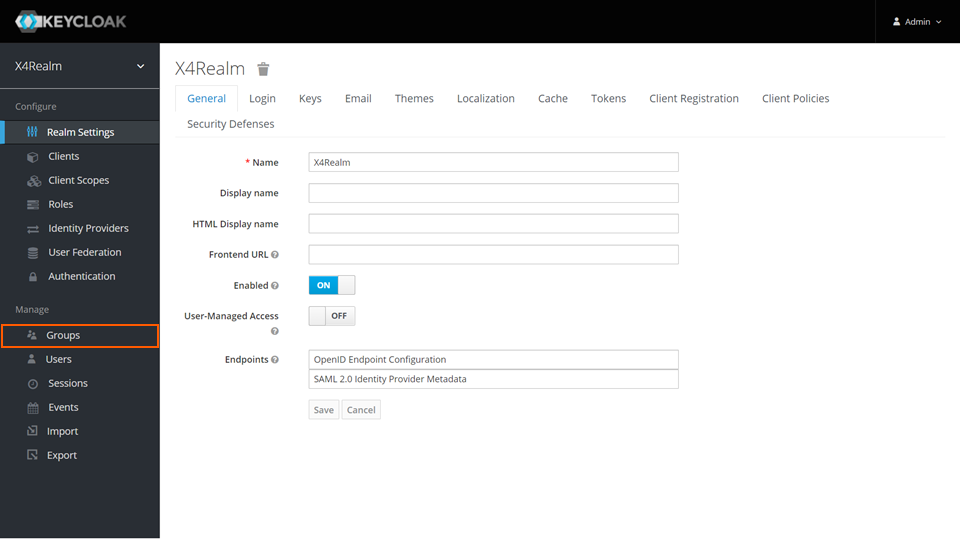
In the Manage section, click Groups.
-
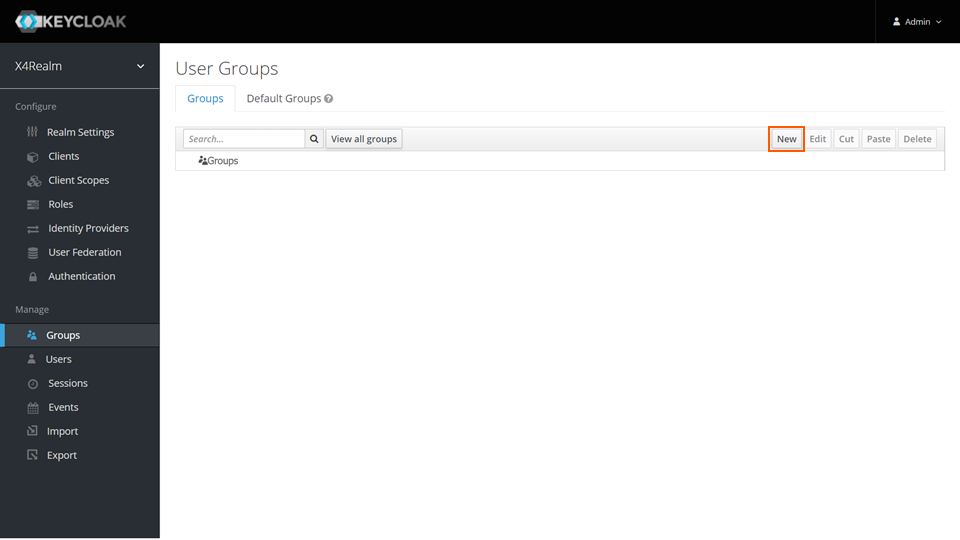
On the Groups tab, click New.
-
Enter a name in the Name text box.
-
Click Save.
Open the Keycloak Administration Console.
In the Manage section, click Groups.
On the Groups tab, click New.
Enter a name in the Name text box.
Click Save.