Creating New Projects
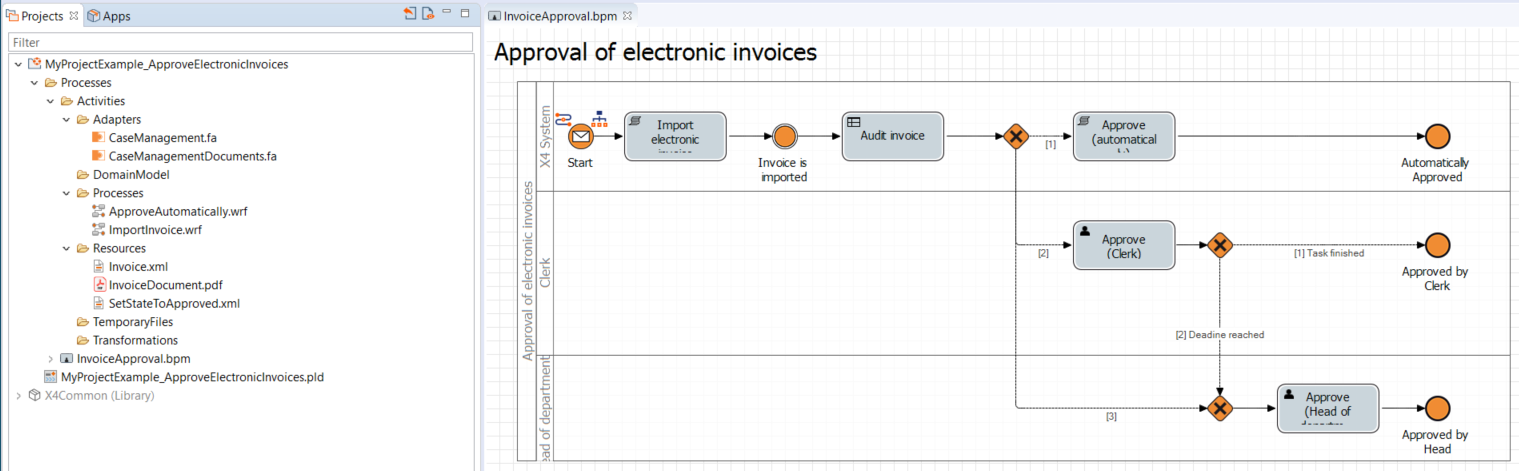
In the X4 Designer, you organize your processes in so-called projects.
On this page, you can find an instruction how to create new, empty projects in the Projects view.
When you create a new project, the Project Creation Wizard opens. In addition to the option of creating an empty project (Empty), various pre-filled project templates with example processes are also available in this wizard.
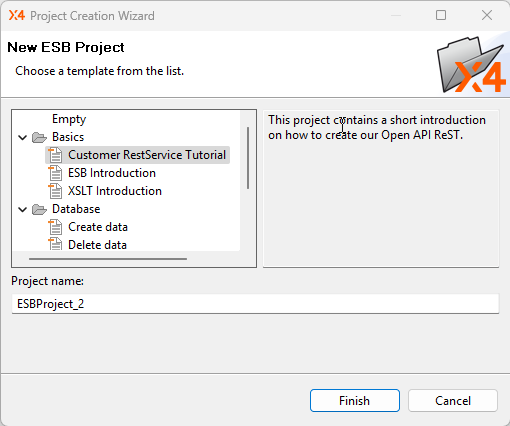
When you select one of these templates, the corresponding project with all prepopulated files, folders, and processes is loaded into your workspace. You can then adapt the projects to your needs and data structures.

In the "Getting Started" section, you can find examples of the three most common project types including extensive step-by-step instructions on how to recreate them:
Creating an empty project
Prerequisites:
The X4 Designer is connected to the X4 Server.
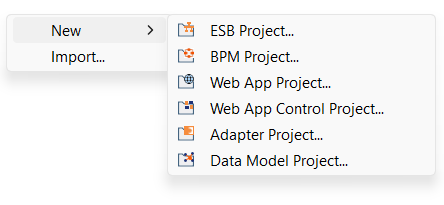
Right-click in the Projects view.
Under New, select the desired project type.
The Project Creation Wizard dialog opens.
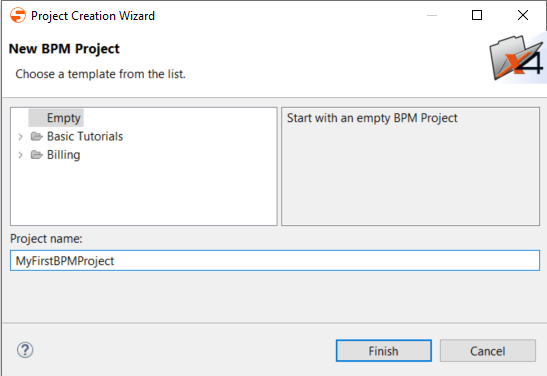
In the Project name text field, enter a name for your project.
Click Finish.
✅ Your new project has been created and you can see the project structure created in the Projects view.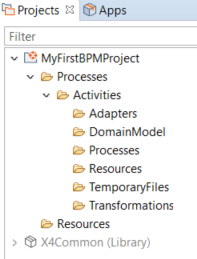
Creating an example project from a template
The X4 Designer is equipped with different templates for example projects. When creating an example project, you can review the purposes of the selected template in the template description.
Prerequisites:
The X4 Designer is connected to the X4 Server.
Right-click in the Projects view.
Under New, select the desired project type.
The Project Creation Wizard dialog opens.
Select a desired project from the templates.
The text field on the right provides information about the contents of each template.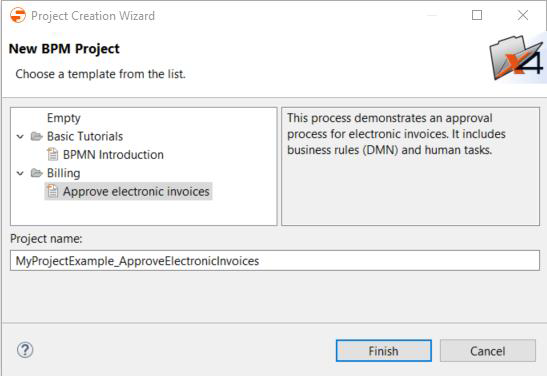
In the Project name text field, enter a name for your example project.
Click Finish.
✅ The selected example project has been created.