X4 Help Center
7.5 7.4 German English
Auto Light Dark
Auto Light Dark
7.5 7.4 German English

Defining Colors

The Colors tab contains the color schemes for the Web App's main colors and chart colors.
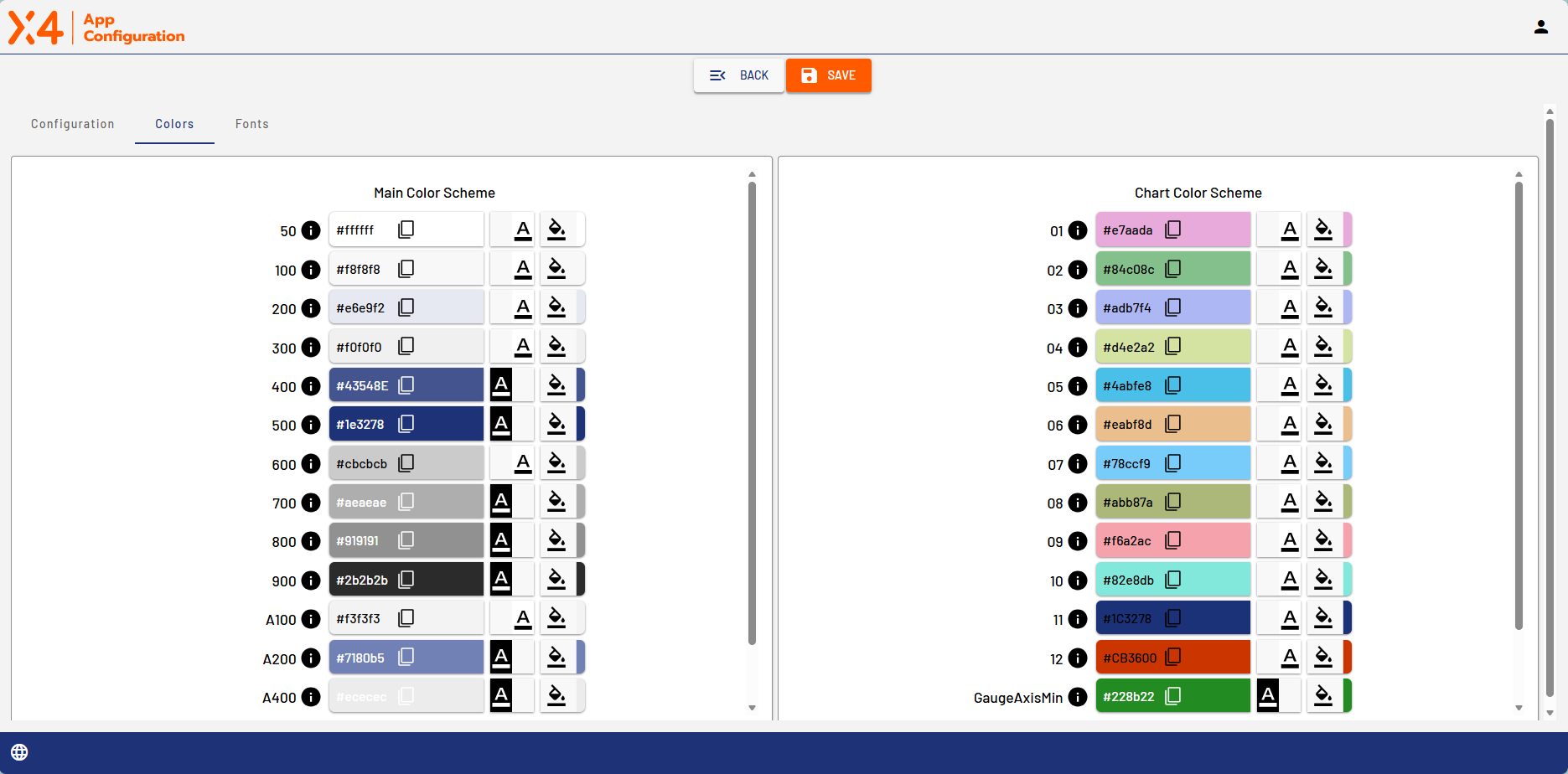
image-20260211-084024.png

Icon

Description

image-20260211-084108.png


Set the contrast

image-20260211-084131.png


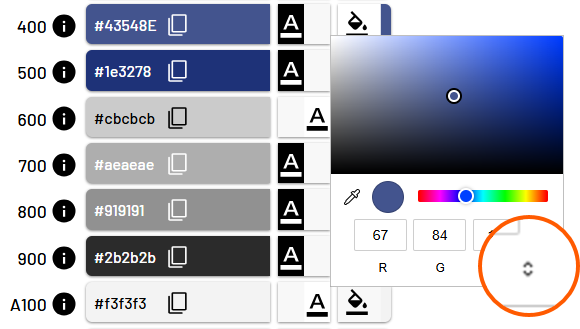
Define color.
Click the small arrows in the color selector to set the color mode (RGB, HSL, HEX).

image-20260211-084158.png


image-20260211-084228.png


When you move the mouse pointer over the info icon to the right of a color number, you can see what that color is used for in the Web App.
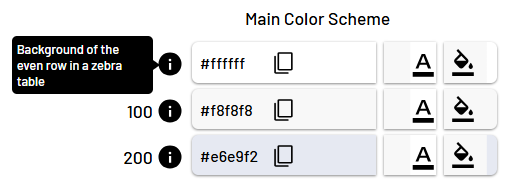
image-20260211-084247.png