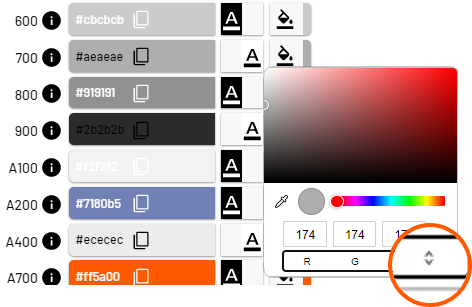
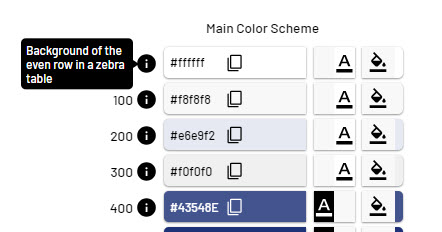
The Colors tab contains the color schemes for the main colors and the chart colors of the Web App.
|
Symbol |
Descpription |
|---|---|
|
|
Set the contrast |
|
|
Define color.
|
|
|
Move the mouse pointer on the Info symbol to see where the color is used in the Web App. |