
In an X4 App, you can add and bundle multiple projects.
-
Right-click on the relevant X4 App in the Apps view to open the context menu.
-
Select Add project to call the wizard.
The Management window is opened.
-
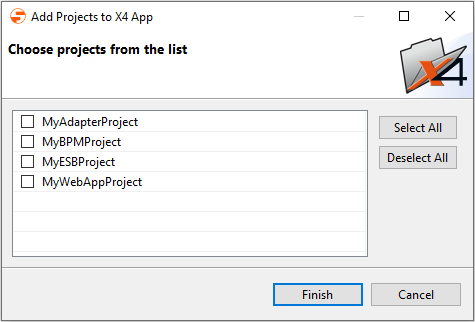
Activate checkboxes of the projects to be added.
-
Click Finish to add the selected projects to the X4 App.