
Starting the x4 Server and Keycloak
The first step after the installation is to start the X4 Server and Keycloak.

Notes:
Keycloak serves as an identity and access management solution for X4 BPMS.
You cannot use all functions of the X4 Designer without connecting to the X4 Server as the X4 Server controls the necessary background processes for using the X4 Designer.
Starting the X4 Server and Keycloak in the console
Prerequisites:
All X4 BPMS components are installed.
Open your X4 installation folder.
Double-click the start Keycloak link to start Keycloak.
Double-click the start X4 Server link to start the X4 Server.
Note:
If you selected the Create desktop icon for X4 Server and Create desktop icon for X4 Designer check boxes during the installation, you can also launch the X4 Server and X4 Designer by clicking the shortcut on your desktop.
Wait until the start X4 Server console window displays
SUCCESSFULLY.
✅ If this message appears, the X4 server has successfully started and is ready for use.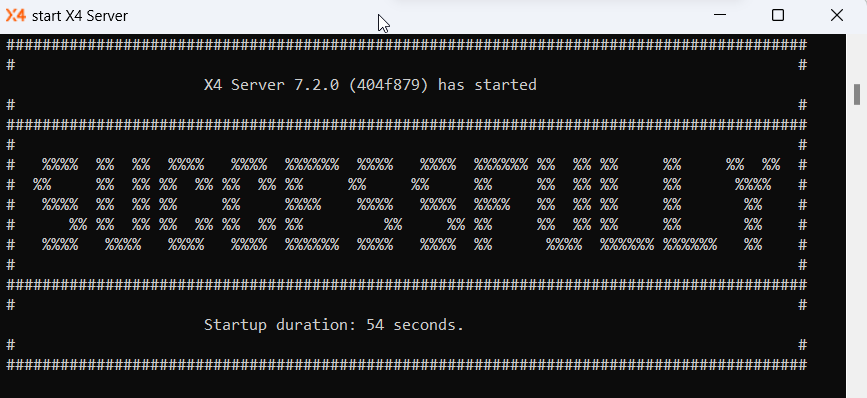
Next step: Connecting the X4 Designer to the X4 Server