
Various layouts can be specified for the components within a web application:
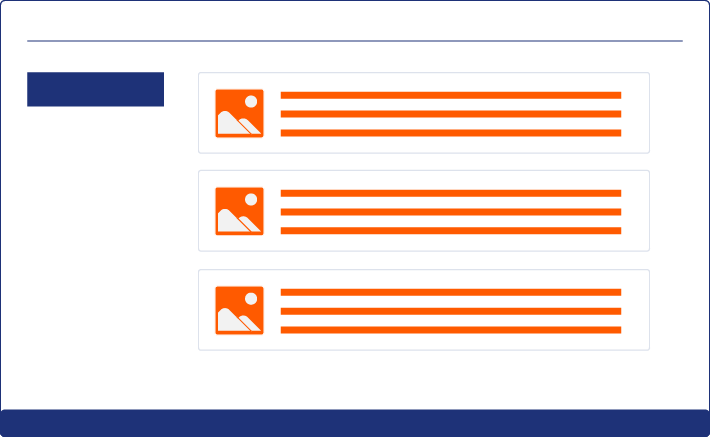
Flow Layout
With a flow layout, the elements are arranged automatically. The individual elements flow freely across the page, similar to text. This layout is very suitable for web applications that should be easily recognizable even on very small screens.
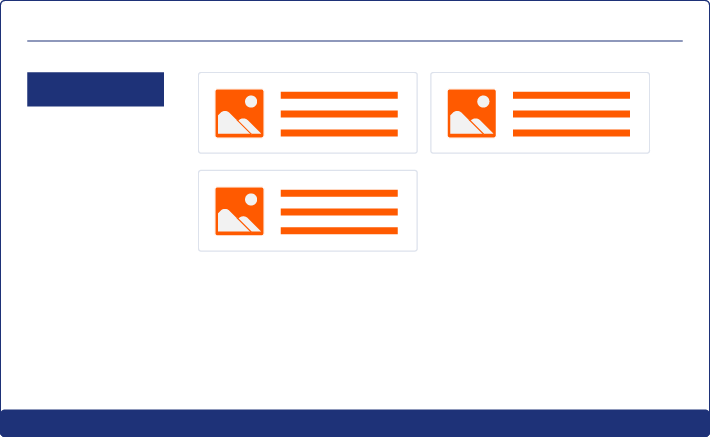
Grid Layout
When the grid layout is chosen for the elements of a Web App, the elements are aligned to a grid. This layout provides a very orderly appearance. The grid is defined by the number of columns and rows and adapts in height and width to the respective end device.
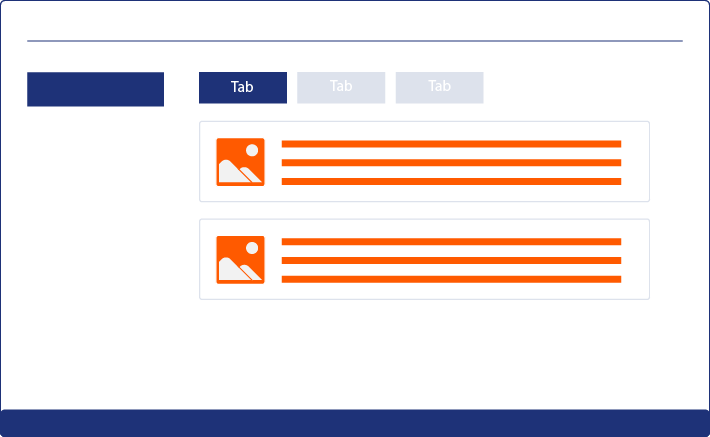
Tab Layout
Responsive Layout
The Responsive Layout is ideal for web applications that are designed to be displayed on different devices. The Responsive Layout is divided into 12 virtual columns. The available space for a column depends on the resolution of the device.
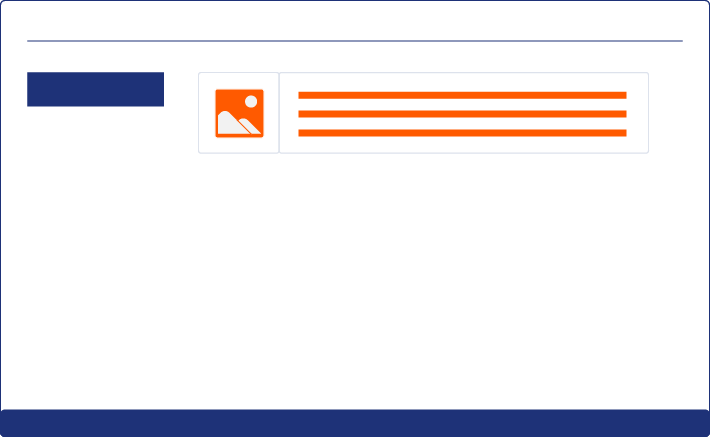
Box Layout
The Box layout is a simple layout with only one content element. Height, width, border, margin and padding can only be defined for the box layout.
The default layout controls how the controls (text, radio buttons, checkboxes, images, etc.) are displayed. The different layouts can be nested within each other. Layouts can contain different Controls.
The layout is declared within a component:
<DetailComponent>
	<FlowLayout>
		<!-- Content -->
	</FlowLayout>
</DetailComponent>