
The Fonts enthält die Auswahlmöglichkeiten für Schriftarten.
-
Select the Edit button to open the section for configuring the font.
-
Select the Save button to save the configuration.
-
If you made no changes, click on the Edit button again.
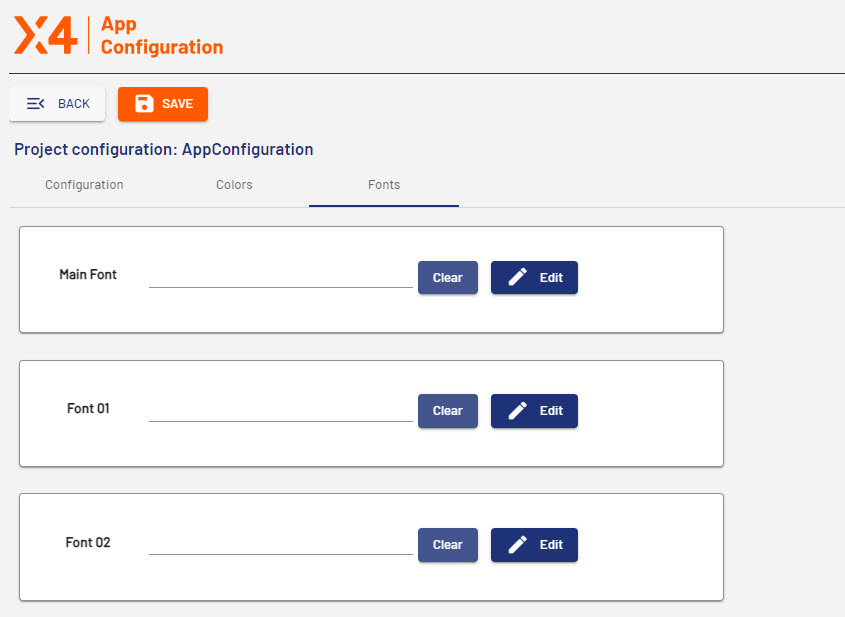
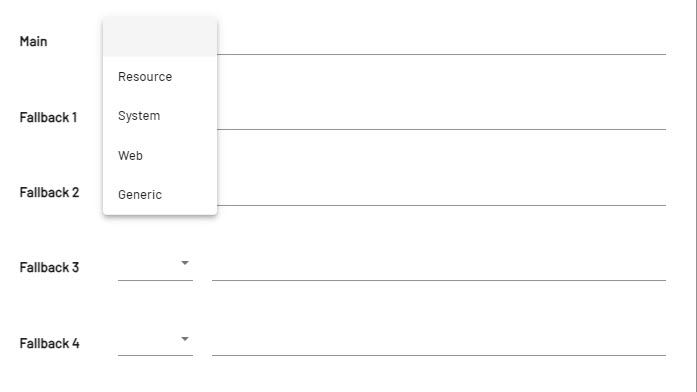
Main is the font used as the main font of the Web App. By clicking on Edit a new window opens where you can select the main font as well as different substitue fonts (fallback) from the dropdown menu.
|
Option |
Description |
|---|---|
|
Resource |
Fonts which are stored in the folder |
|
System |
System fonts from the operating system, e.g. |
|
Web |
Fonts which can be called via an URL, e.g. |
|
Generic |
Standard fonts used by the browser e.g. |