
|
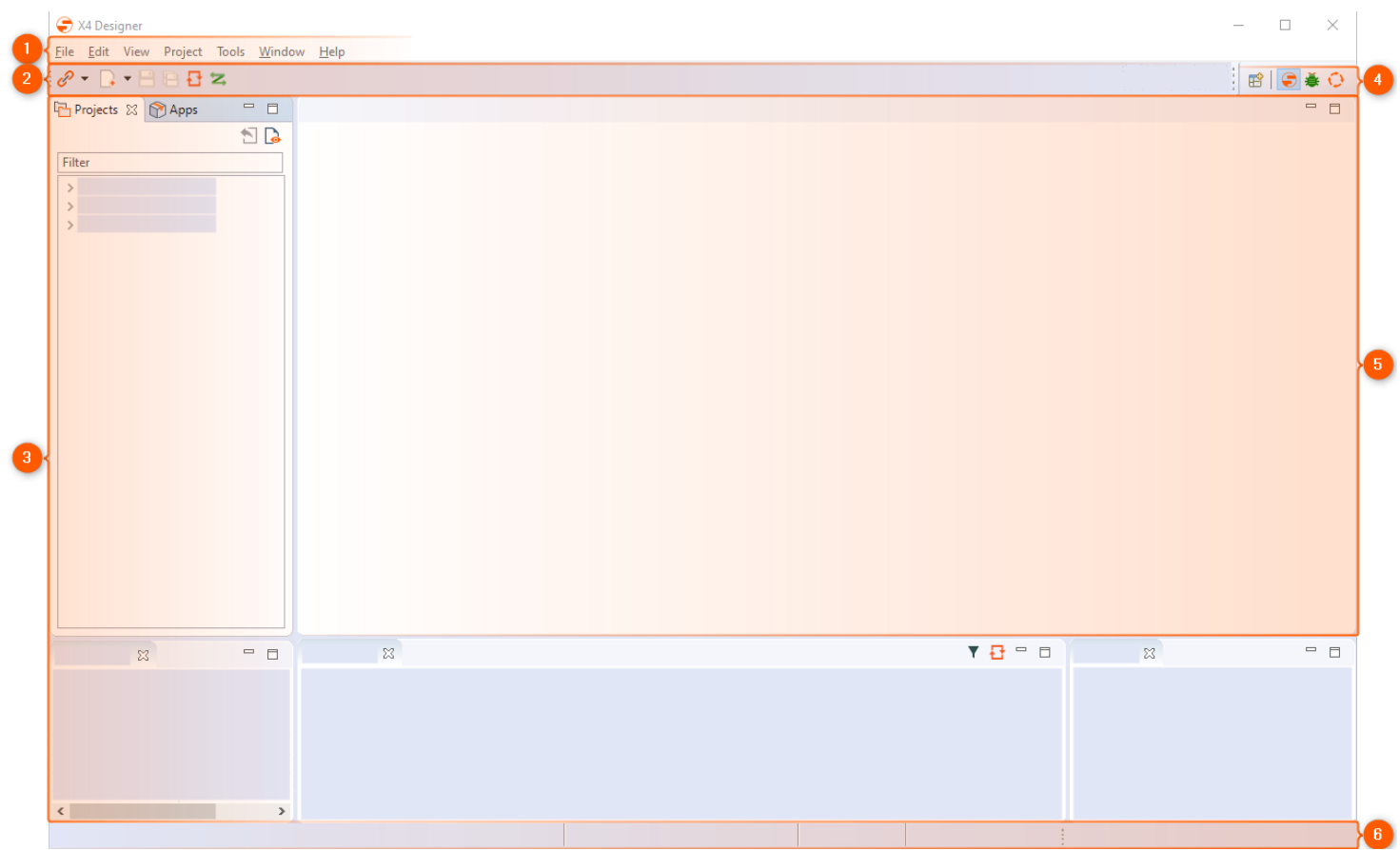
1 |
Menu bar |
The menu bar allows to open various functions and editors of the X4 Designer.
|
|---|---|---|
|
2 |
Toolbar |
The toolbar offers different functions and display options. Some symbols are only active, if the corresponding function is available for the selected or opened element, see also Toolbar. |
|
3 |
Views |
Views can be arranged individually via drag-and-drop. |
|
4 |
Perspectives |
Switch between X4 Designer and BPMN Designer perspective. |
|
5 |
Editors and workspace |
Processes and files are opened here for editing in tabs. |
|
6 |
Status bar |
The status bar displays the connected server, the workspace, the logged-in user, and the version. |