
The Register button can be enabled in the Keycloak Administration Console in the Realm Settings menu.
-
Open the Keycloak Administration Console.
-
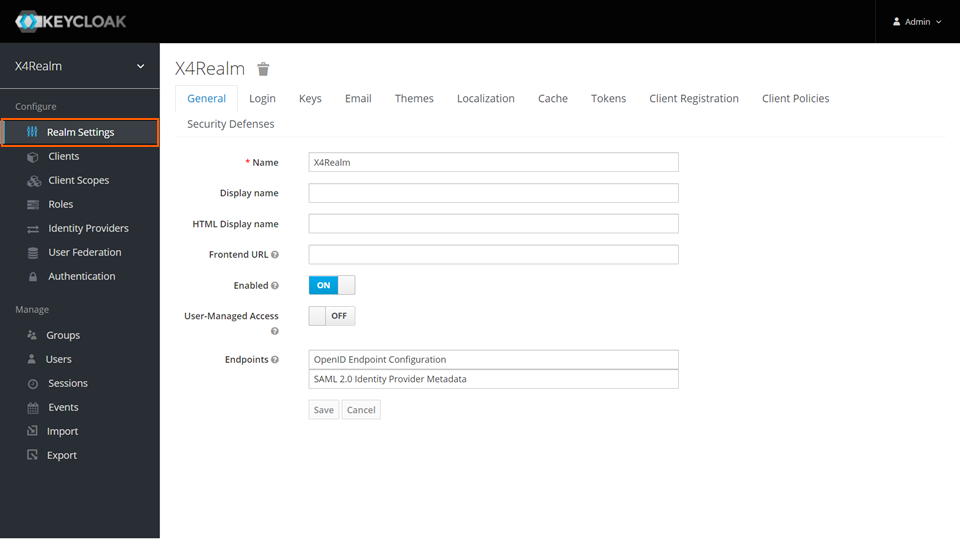
In the Configure section, click Realm Settings.
-
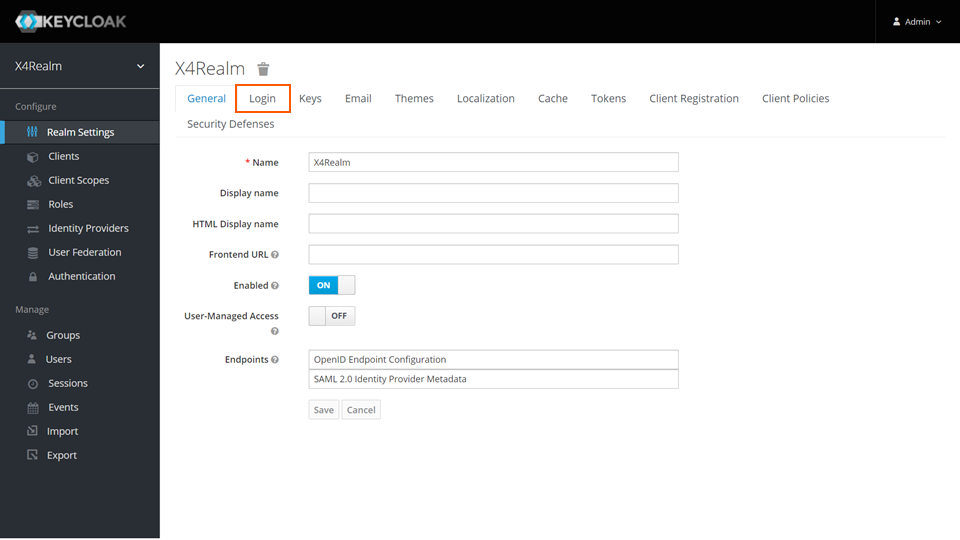
Switch to the Login tab.
-
Set the value of the User registration slider to ON.
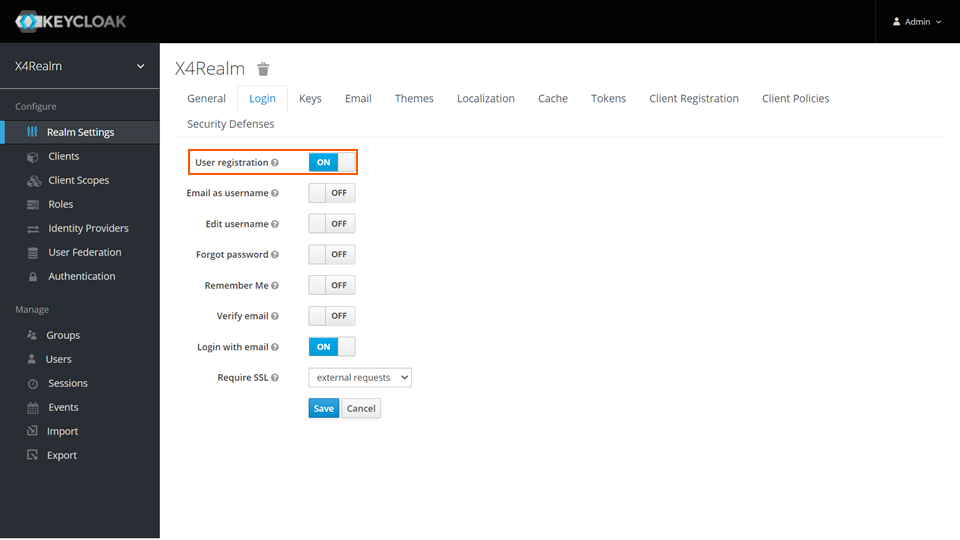
The Email as username slider will appear. -
If the email used for registration is to be used as the username, set the value of the Email as username slider to ON.
-
Click Save.