
-
Open the Theme Editor by double-clicking the
<project name>.themefile. -
Click Color next to the color you want to change.
-
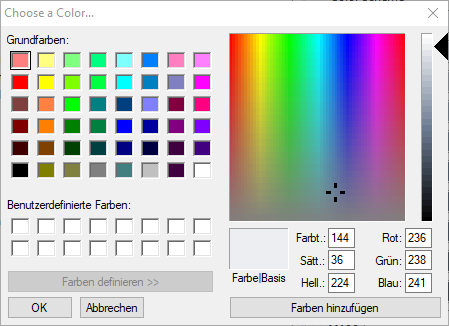
Select color from the palette or click Define Colors and define a color individually.
-
Click Add Color and add the specified color to the custom colors.
-
Select the color in Custom Colors and click OK.
The color has now been applied.
For documentation on the ReST interface, see http://localhost:8080/X4/X4Api/.