
You can display the version information of the Control Center app as follows:
Note:
This function is currently only availavle for the Process Monitor app.
-
Click on the question mark (

The version information is displayed.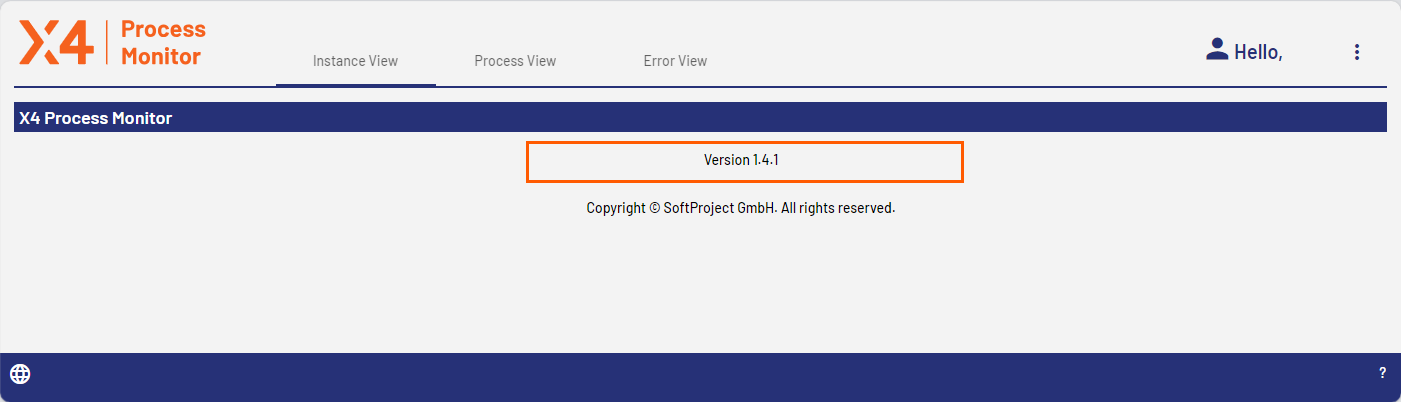
To close the information, click on any space in the top area of the app.