
In the User section, the user can logout of the system.
-
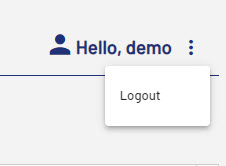
Click on the three dots beside the user name.
-
Select Logout.
You are logout of the system and a new login window is opened.
In the User section, the user can logout of the system.
Click on the three dots beside the user name.
Select Logout.
You are logout of the system and a new login window is opened.