
If a Web App uses the Resource Owner Password Flow authorization flow, a user with a temporary password cannot log in to that Web App.
If you want to use temporary passwords, use the Authorization Code Flow.
-
Open the Keycloak Administration Console.
-
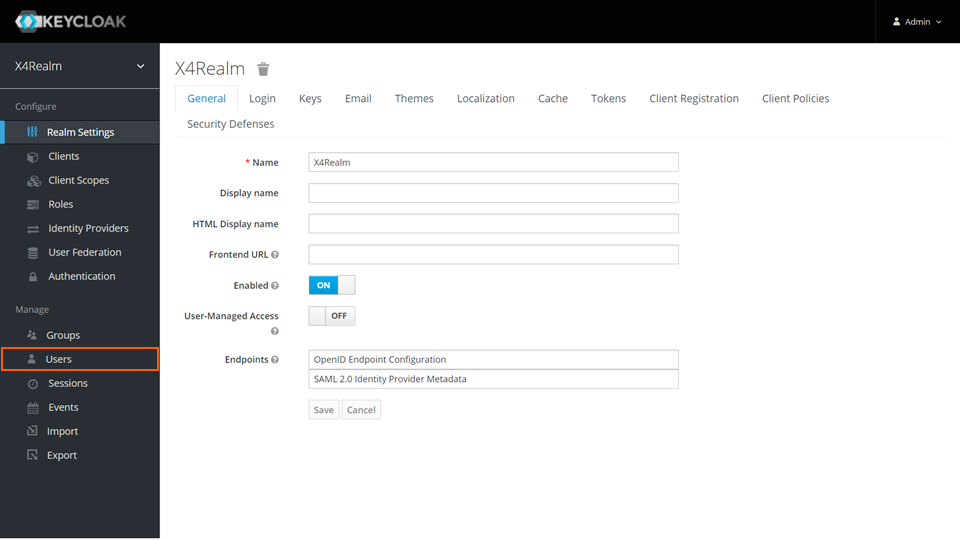
In the Manage section, click Users.
-
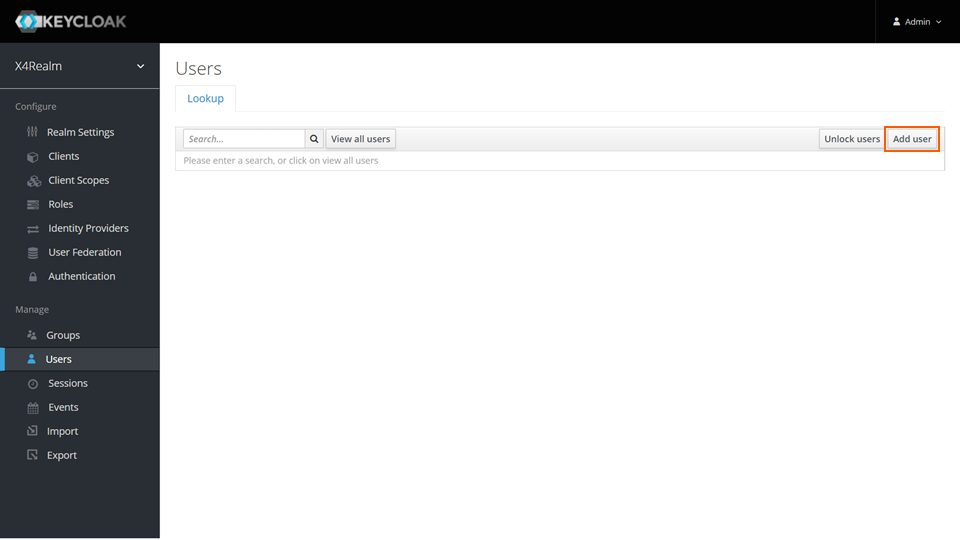
On the Lookup tab, click Add user.
-
Enter the relevant data.
-
Click Save.