
In Keycloak, you can connect to various social identity providers. Keycloak provides built-in support for the most popular social networks, such as Google, Facebook, Twitter, GitHub, LinkedIn, Microsoft, and Stack Overflow.
-
Open the Keycloak Administration Console.
-
In the Manage section, click Identity Providers.
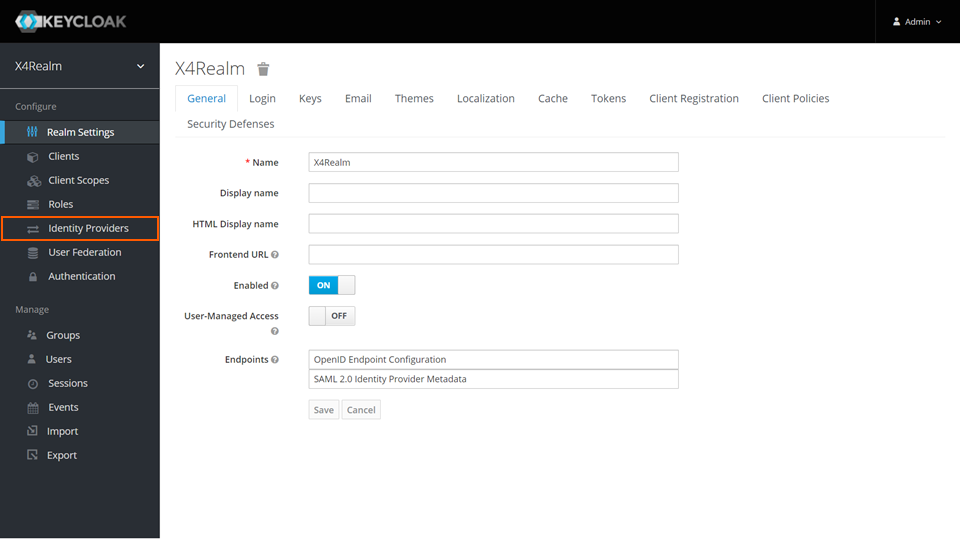
-
Select the desired social identity provider from the drop-down list.
For more information, visit
https://www.keycloak.org/docs/latest/server_admin/#social-identity-providers
.
When logging in with a user of a social identity provider , it is not possible to change the user password with a Web App.