
The X4 Designer allows to define file templates for processes, process components, or folders enabling to create repeating patterns quickly and easily.
-
Select menu Tools > Options.
-
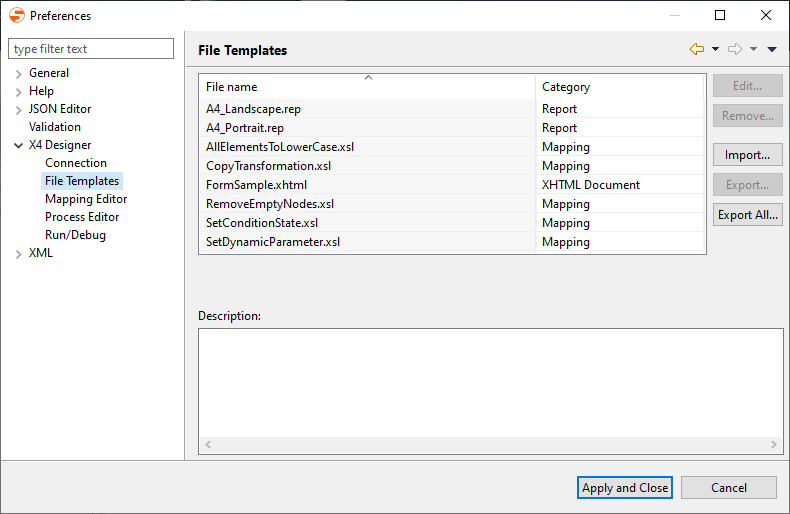
On the left side, double-click X4 Designer, and select File templates to open the template configuration.
-
Manage the templates as desired:
-
Edit: Edit the template's name or description text
-
Remove: Delete a selected template
-
Import: Import an existing template folder
<X4>/X4DB/0/Templatescan be imported. -
Export respectively Export All: Export a selected template respectively all templates as template directories
-
-
Click Apply and Close to save the configuration and close the window.