
Showing Savepoints
If savepoints werte set in a process, they will be displayed in the process details on the Details tab in the Process Instance: Status and runtime card in a drop-down list.
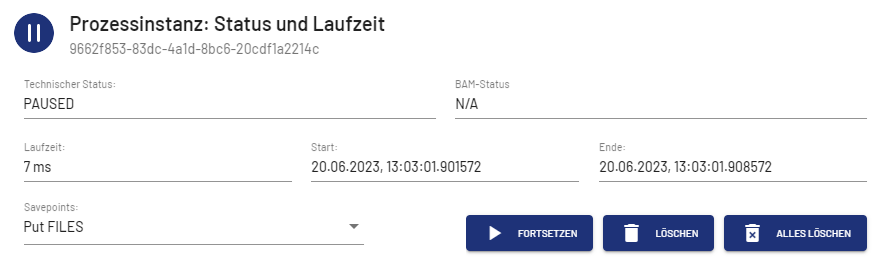
You can resume the process from the savepoint selected in the Savepoints drop-down list, delete the selected savepoint, or delete all savepoints. The deletion of a savepoint is confirmed by a message.
If a process does not contain any savepoints, the buttons are grayed out.


Note:
If you are working with X4 BPMS 7.4.0 or higher, the WildFly version used may restrict the amount of data processed when loading save points. See Savepoint Configuration for the X4 Server more information on how to remove or expand the appropriate restrictions.