
Displaying Processes in the Process View
The Process View tab provides an overview of all processes installed on the system for efficient management and monitoring. Information on the processes for which monitoring is not activated is also displayed.
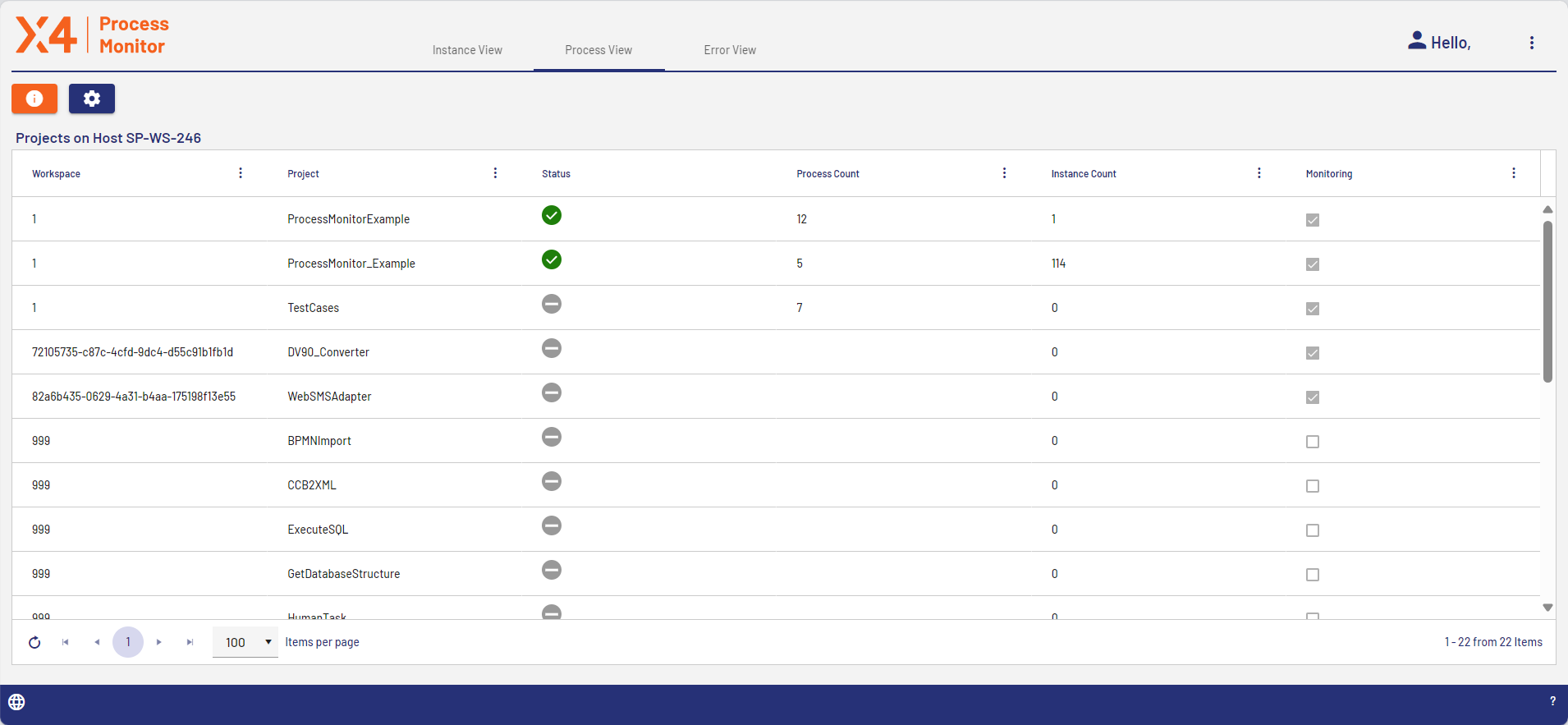
Column | Description |
|---|---|
Workspace | Directory in which the process is stored |
Project | Project to which the process belongs |
Status | Status of the process |
Process Count | Number of processes included in the project |
Instance Count | Number of included process instances |
Monitoring | Information on whether monitoring is active |