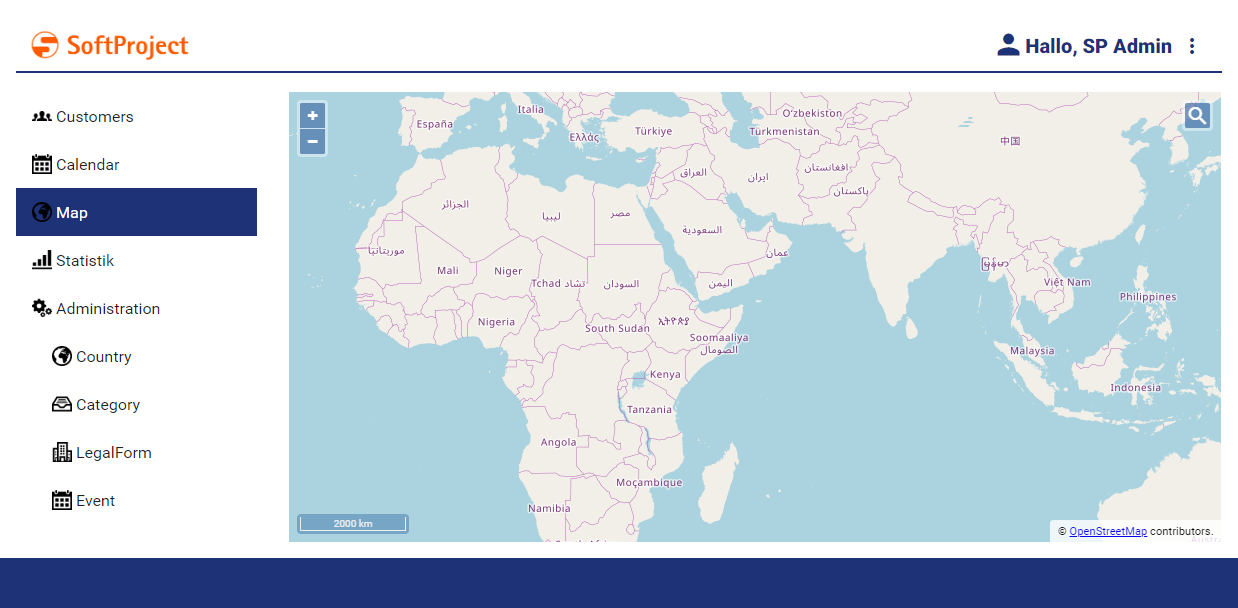
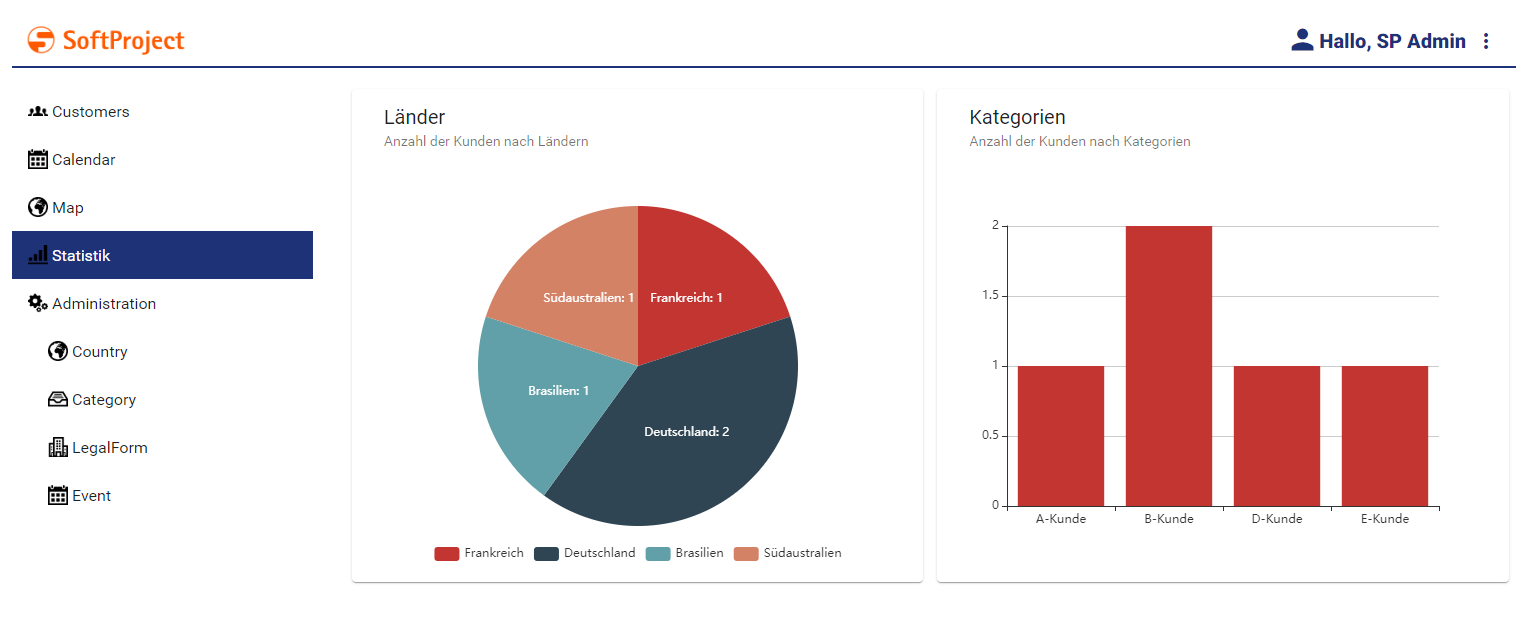
Detail components display content page-based. This can be plain text, but also check boxes or static or dynamic lists, for example.
Defining a Detail Component
A detail component is defined within an own definition file <DetailComponentName>.detail. The definition file is created within the Repository folder Components.
-
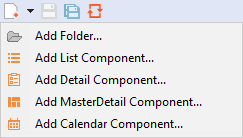
Click the menu New > Add <corresponding component>.
Alternatively, the file can also be created via the context menu New > Add
<corresponding component>. -
Select the desired definition file.
-
Enter a name for the definition file in File name.
-
Click Finish.
A new definition file with a predefined structure is created.
The detail component is created via <DetailComponent> and can contain the standard attributes for Components.
A layout must be declared for a detail component.
Example for a Detail Component
<DetailComponent process="/WebApp/Map/LoadMapData.wrf" xmlns="http://softproject.de/webapp/1.0">
	<Properties>
		<Property name="Place" type="List">
			<Property name="Company" type="String" />
			<Property name="Address" type="String" />
		</Property>
	</Properties>
	<FlowLayout>
		<Map vendor="OpenStreetMap">
			<Search />
			<Markers data="#Place" iconUrl="Location.png" name="#Company" searchString="#Address" />
		</Map>
	</FlowLayout>
</DetailComponent>