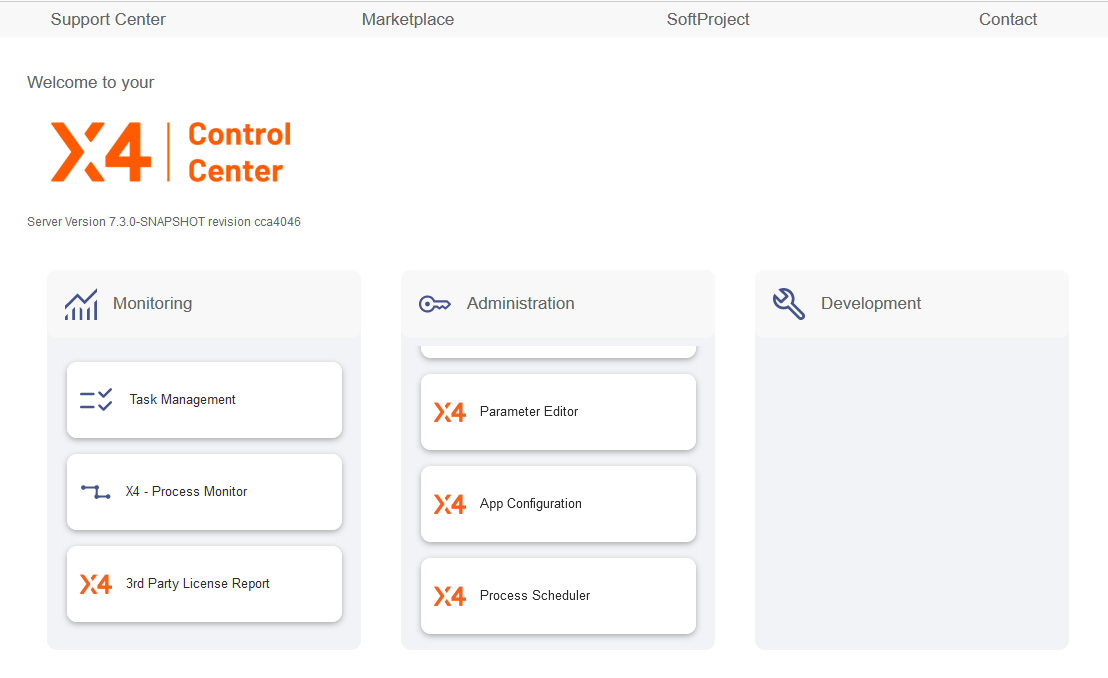
The X4 Control Center - ZIP archive contains preconfigured Web Apps for the X4 Control Center (http://localhost:8080/):
-
App Configuration
-
Parameter Editor
-
Process Monitor
-
Process Scheduler
-
3rd Party License Report
To install the Web Apps for the X4 Contol Center, perform the following steps
-
Download the ZIP archive with the Web Apps for the X4 Control Center from the SoftProject website from the X4 BPMS > Downloads section.
-
Extract the files from the ZIP archive.
-
Copy the files with extension
*.sealedto the folder<server directory>\deployments -
Start Keycloak, the X4 Server and the X4 Designer.
The Web Apps are now available in the X4 Control Center (http://localhost:8080/):