Prerequisite
-
The X4 Designer is connected to the X4 Server.
To create a new project
-
Right-click in the Projects view.
-
Select the desired project under New.
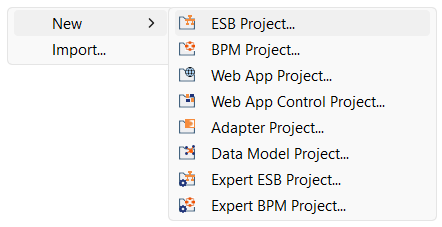
✅ The Project Creation Wizard dialog box opens.
-
Enter a name for your project in the Project name text field.
-
Select Finish.
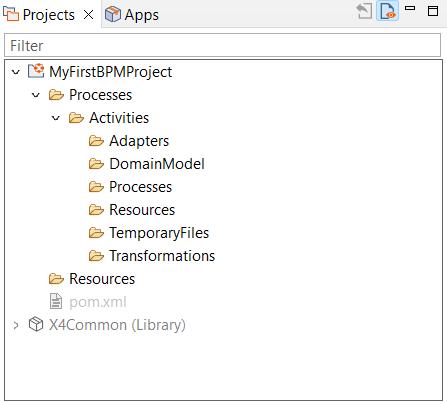
✅ Your new project has been created and you can see the created project structure in the Projects view.