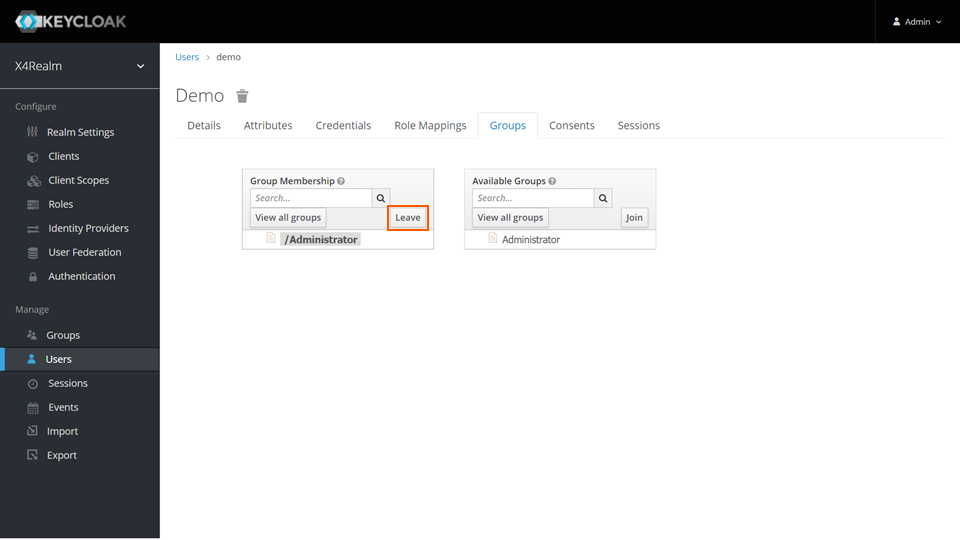
Removing Users from Groups
- Open the Keycloak Administration Console.
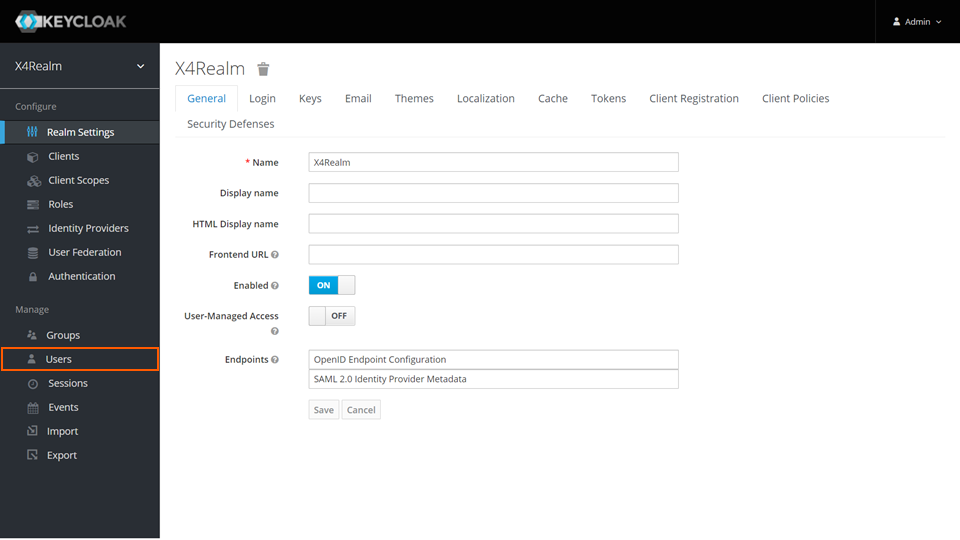
- In the Manage section, click Users.
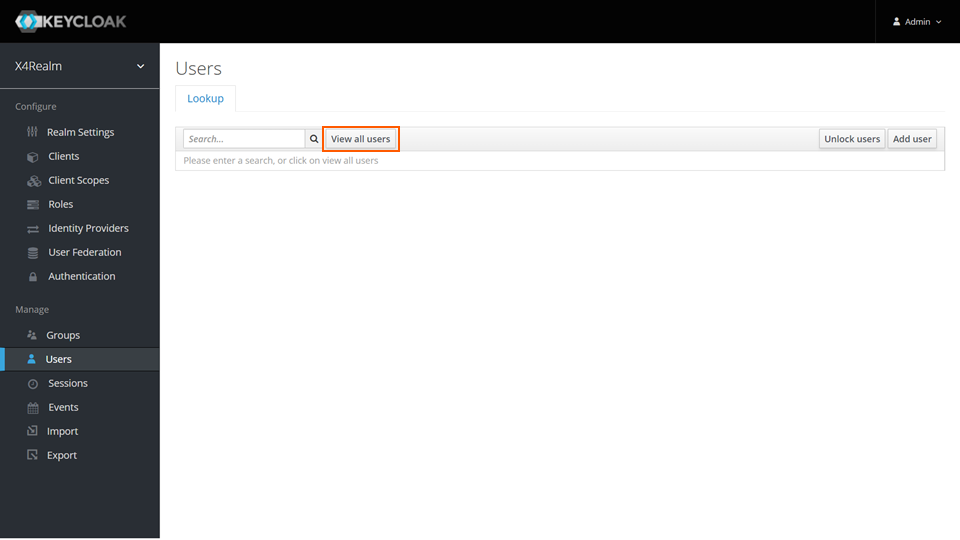
- To list all users, click View all users on the Lookup tab.
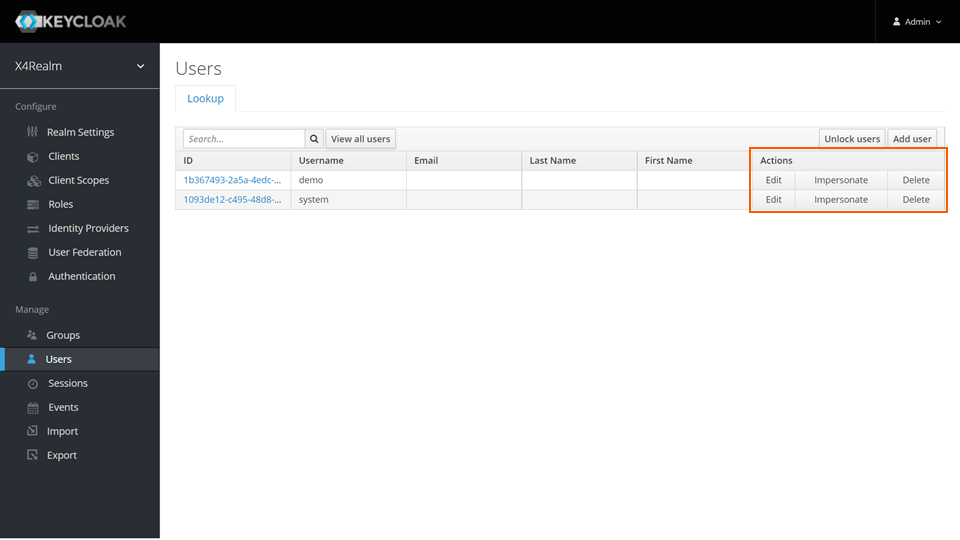
- In the row of the desired user, click Edit in the Actions column.
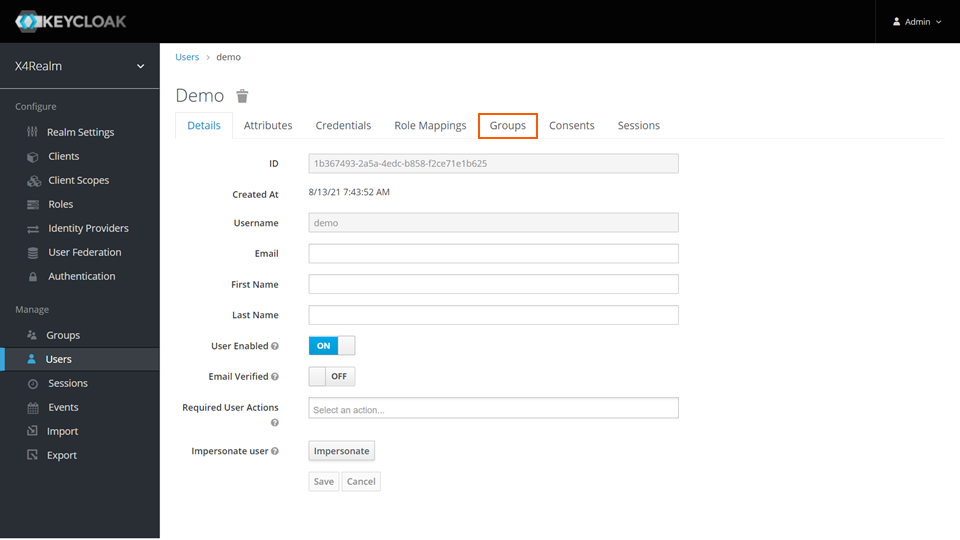
- Switch to the Groups tab.
- In the Group Membership area, select the group from which the user should be removed.
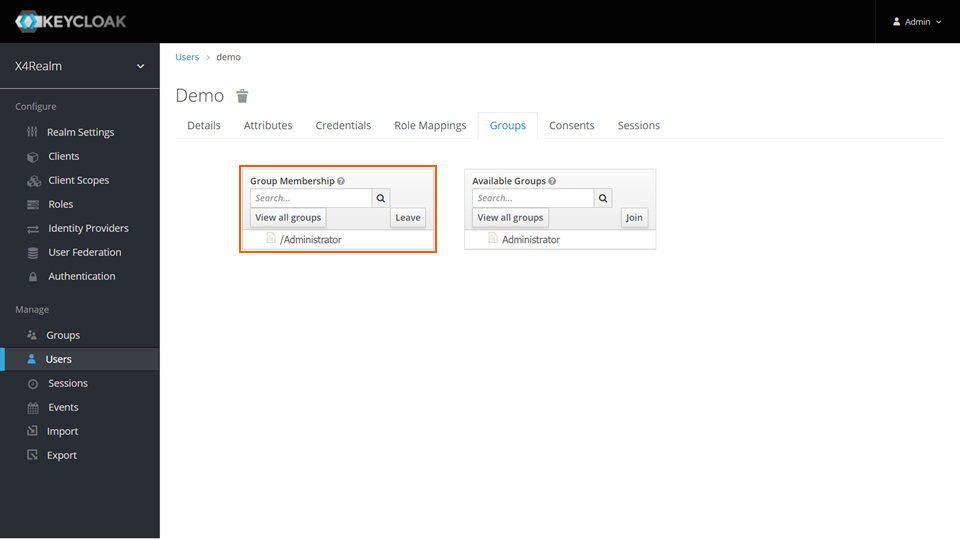
- Click Leave.