
Importing Business Processes in BPMN or XML Format
The BPMN 2.0 Import Wizard allows to import process diagrams in .xml or .bpmn format from third party modelling tools as new Business Processes into the X4 Repository.
- Open the Project > .
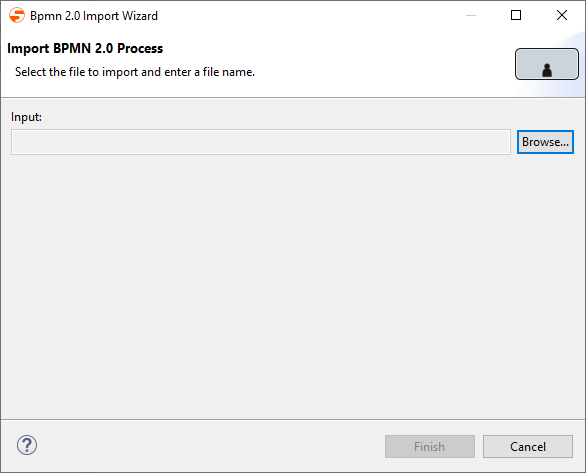
Click Browse to select the desired file.
You can filter for the file via the
.xml(default) or.bpmnextension.- Select the file and confirm the dialog.
The file is now selected within the Wizard. - Click Finish to import the file.
The file has been imported and is displayed as Business Process in the Repository Navigator.
