Skip table of contents

Create group

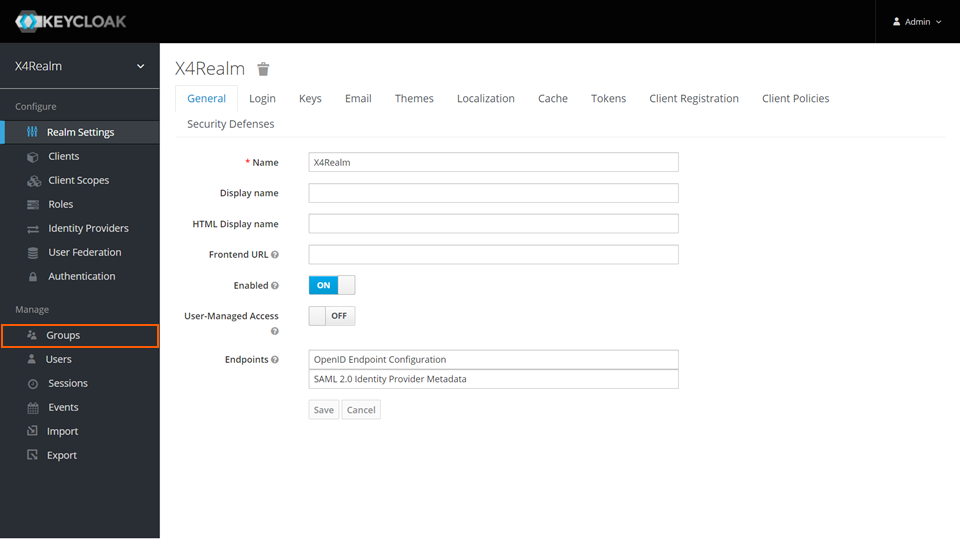
  1. Open the Keycloak Administration Console.
  2. In the Manage section, click Groups.
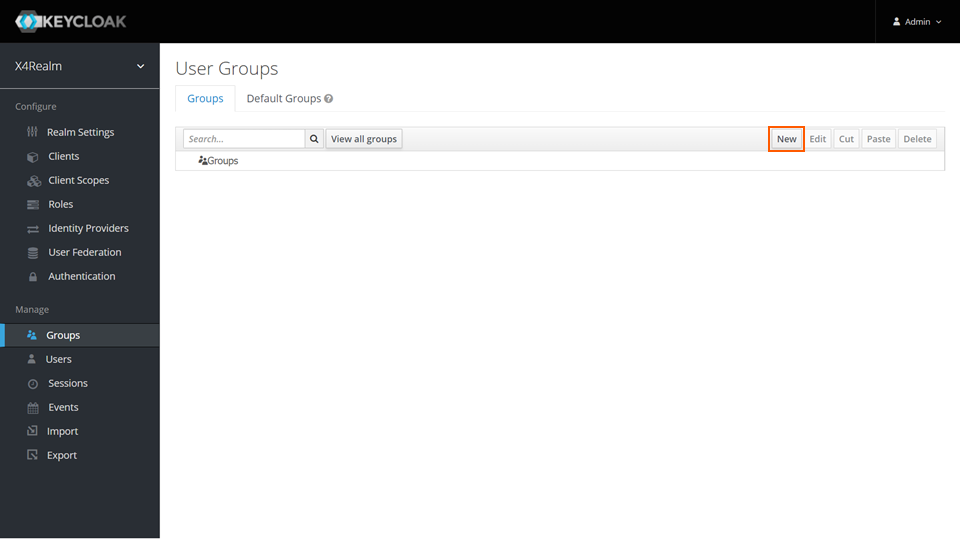
  3. On the Groups tab, click New.
  4. Enter a name in the Name text box.
  5. Click Save.
JavaScript errors detected

Please note, these errors can depend on your browser setup.

If this problem persists, please contact our support.