
Connecting OpenID Connect
In Keycloak, you can connect an existing OpenID Connect provider. The identity provider must support the Authorization Code Flow to authenticate the user and authorize access.
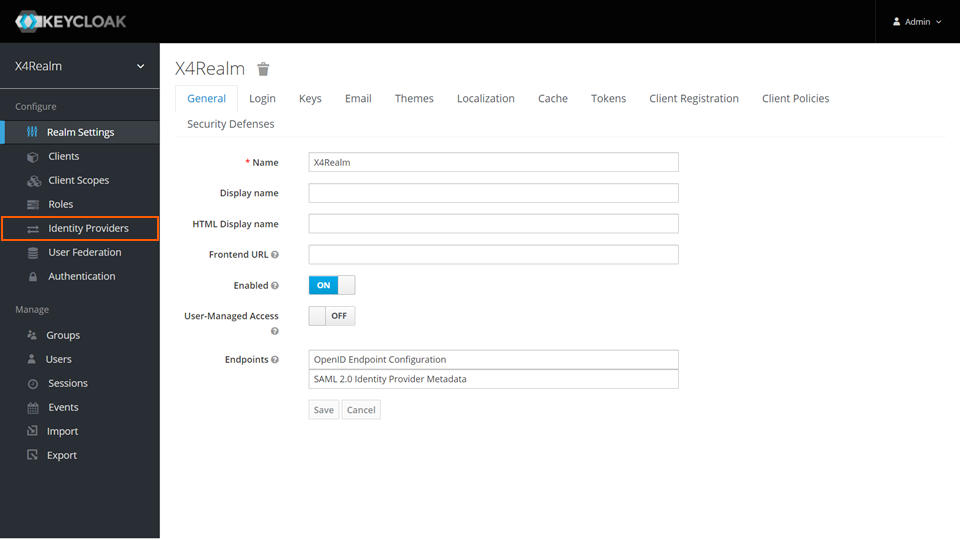
Open the Keycloak Administration Console.
In the Manage section, click Identity Providers.
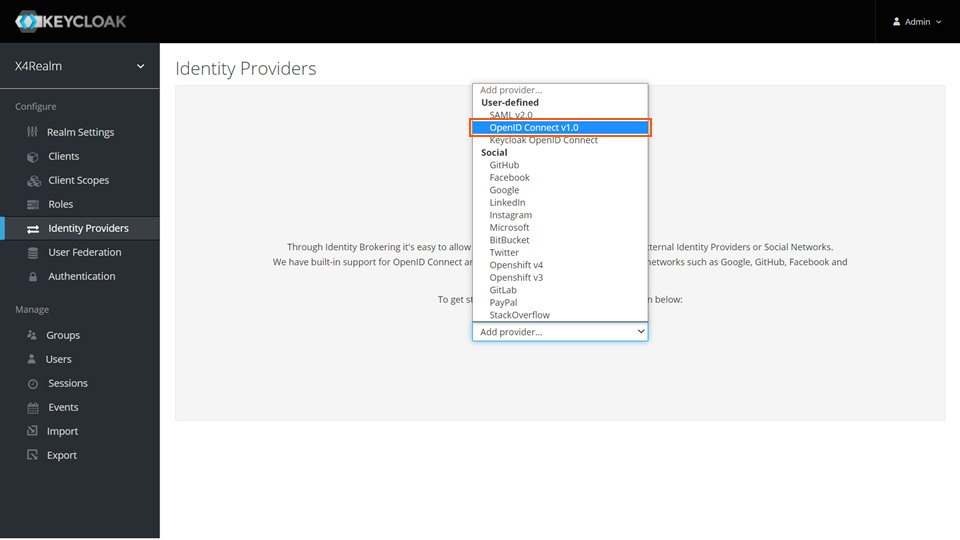
From the drop-down list, select OpenID Connect v1.0.

For more information, see https://www.keycloak.org/docs/latest/server_admin/#_identity_broker_oidc.