
Showing Savepoints
If savepoints were set for a process, they will be displayed in the process details on the Details tab > Process Instance: Status and Runtime.
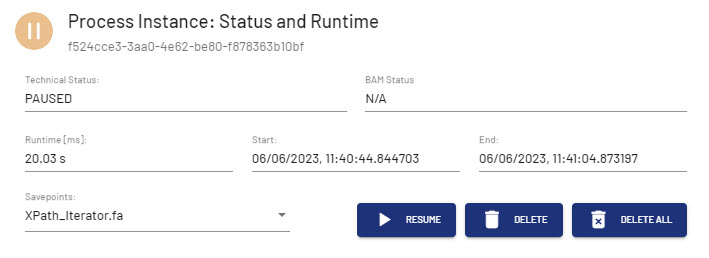
You can resume the process from the savepoint selected in the Savepoints drop-down list, or delete the selected savepoint or all savepoints.. The deletion of a savepoint is confirmed by a message.
If a process has no savepoints, the buttons are grayed out.
