
Schriftarten festlegen
Custom fonts can be defined for a Web App. Fonts are defined using the Theme Editor.
- Open the Theme Editor by double-clicking the
<project name>.themefile. - In the bottom section, switch the view to Fonts.
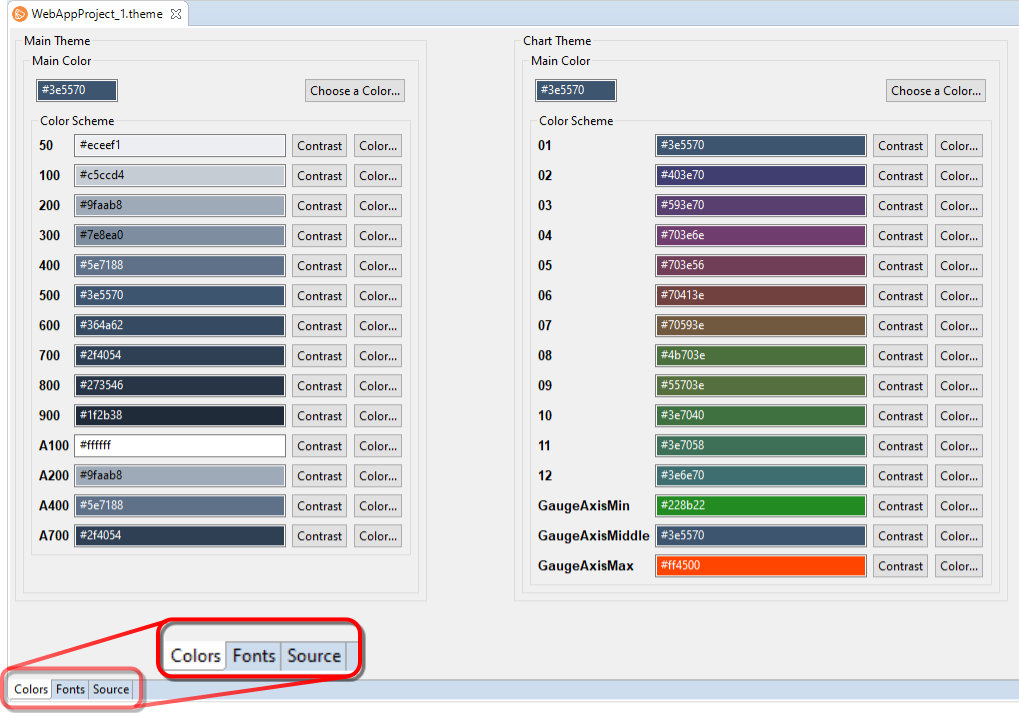
- MainFont sets the font that will be used as the main font of the Web App. Next to MainFont click on Font... to define the font.
- Under Main select where the font is located.
Possible values:Resource Font: Font is stored as a file in the Web App.Files of type
eot,ttf,woffandwoff2can be used. The different file types are not supported by all browsers. Up to four substitute fonts can be stored in the Fonts Editor in case of problems with the display of a font.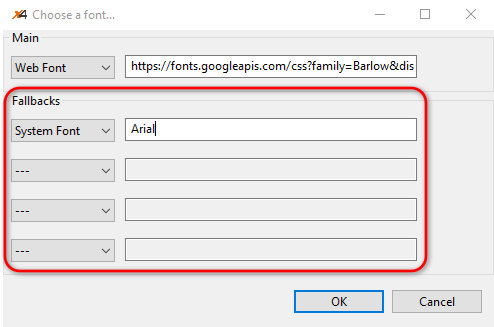
System Font: Font is a system font of the operating system, e.g.Arial.Web Font: font is retrieved via a URL, e.g.https://fonts.googleapis.com/css?family=Barlow&display=swapGeneric: Font is a standard font of the used browser, e.g.sans-serif.
- If necessary, define substitute fonts under Fallbacks.
- Click OK to confirm.
- Save
<project name>.themefile.

Documentation of the ReST interface can be found at http://localhost:8080/X4/X4Api/.