
Process Scheduler
This preconfigured X4 Web App allows users to easily schedule the execution of X4 BPMS processes without any programming knowledge. It is for example possible to define the start time and timing for repeated process executions at runtime.
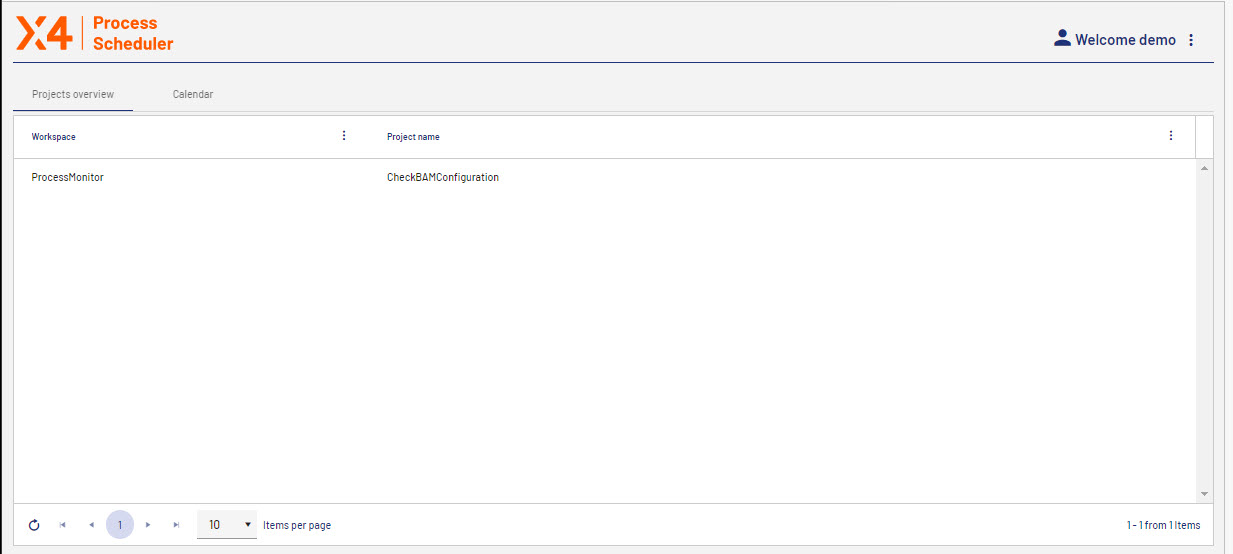
When opening the app, the Projects overview tab displays a list of projects for which you have scheduled process executions with the scheduler (.schedule file) in the X4 Designer.
The list also shows the name of the workspace the project is stored in and the actual project name.
If you create a new project in X4 Designer or change the name of a project, it is shown in the app when updating the Process Scheduler.

Note
For more information, see the BPM manual/ESB manual > Scheduler > Execute processes scheduled.